20
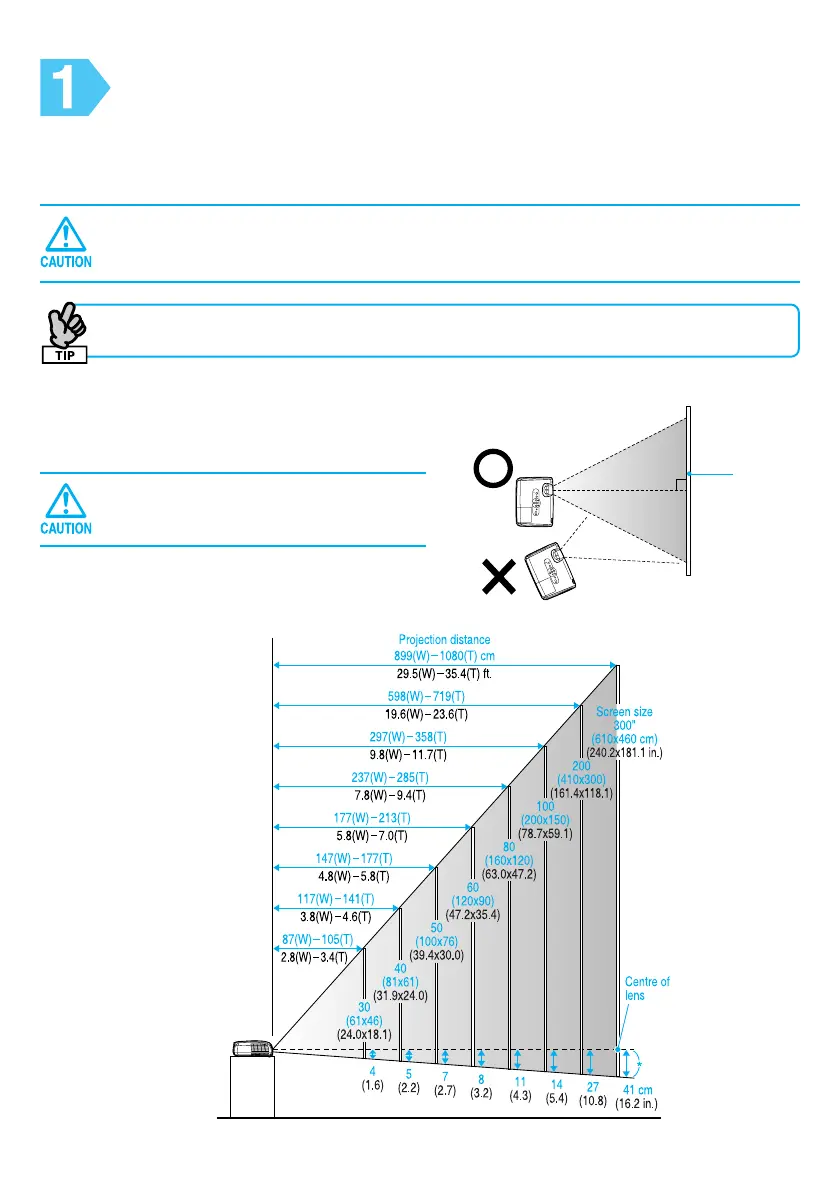
* Distance from the center of the lens to the base of the screen.
W: Maximum Zoom
T : Minimum Zoom
Setup
Based on the projection distance, choose the best position for your projected image.
The values are only a guide.
Before setting up the projector, make sure you read the separate Safety
Instructions/World-Wide Warranty Terms first.
After making keystone correction, the projected image will be smaller.
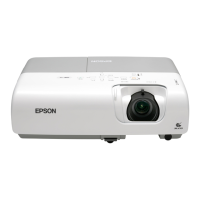
Using EMP-X3/82
If this unit is not placed parallel to the
screen, the projected image is distorted in
the shape of a keystone.
Do not stand this projector upright.
This may damage your projector.
View from above
Screen



 To Next Page