22
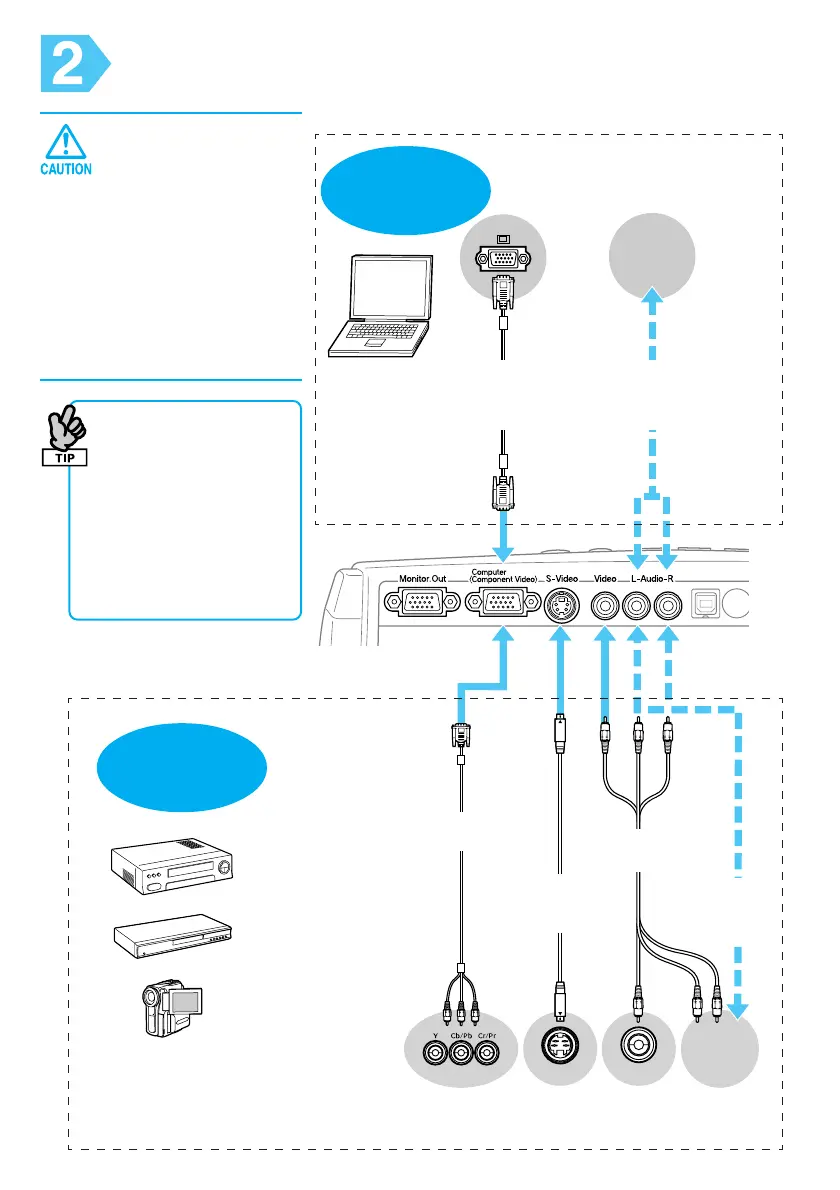
Componentvideo
cable(Optional)
Computercable
(Accessory/
Optional)
To audio
output port
To audio
output
port
Component
out
Video
out
S-Video
out
S-Videocable
(Commercially
available)
A/Vcable
(Commerciallyavailable)
Audiocable
(Commercially
available)
Audiocable
(Commercially
available)
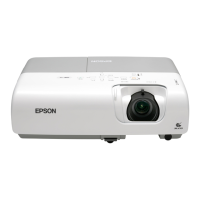
Using EMP-X3
Connecting to Visual Equipment
• Turn off connected
equipment. Damage
may result if you try
to connect when the
power is on.
• Do not try to force a
cable connector to
fit a port with a
different shape. This
may damage your
projector.
• When the source has an
unusual connection, use
the cable provided with
the source or
commercially available
cables.
• If you use a 2RCA (L/R)
stereo min-jack audio
cable, make sure it is
labelled "No resistance".
Connecting to
a Computer
Connecting to a
Video Source
DVD players, VHS players,
satellite tuners, RGB
converters, video distribution
machines, and so on.
* The port names may vary depending on the equipment.



 To Next Page