150
As a precaution, perform regular visual inspections of the ink tanks to ensure ink levels do not fall below
the lower line. Continued use of the product when the ink level is below the lower line on the tank could
damage the product.
Caution: Wear disposable gloves while refilling the ink tanks to avoid staining your hands. If ink spills,
wipe it off immediately with a damp towel to avoid permanent stains. If ink gets on your clothes or
belongings, it may not come off.
1. Turn on your product.
2. Use the arrow buttons to select Maintenance and press the OK button.
3. Select Fill Ink and press the OK button.
4. Press the down arrow button to read all the safety and usage precautions for filling ink, and then
press the OK button to continue.
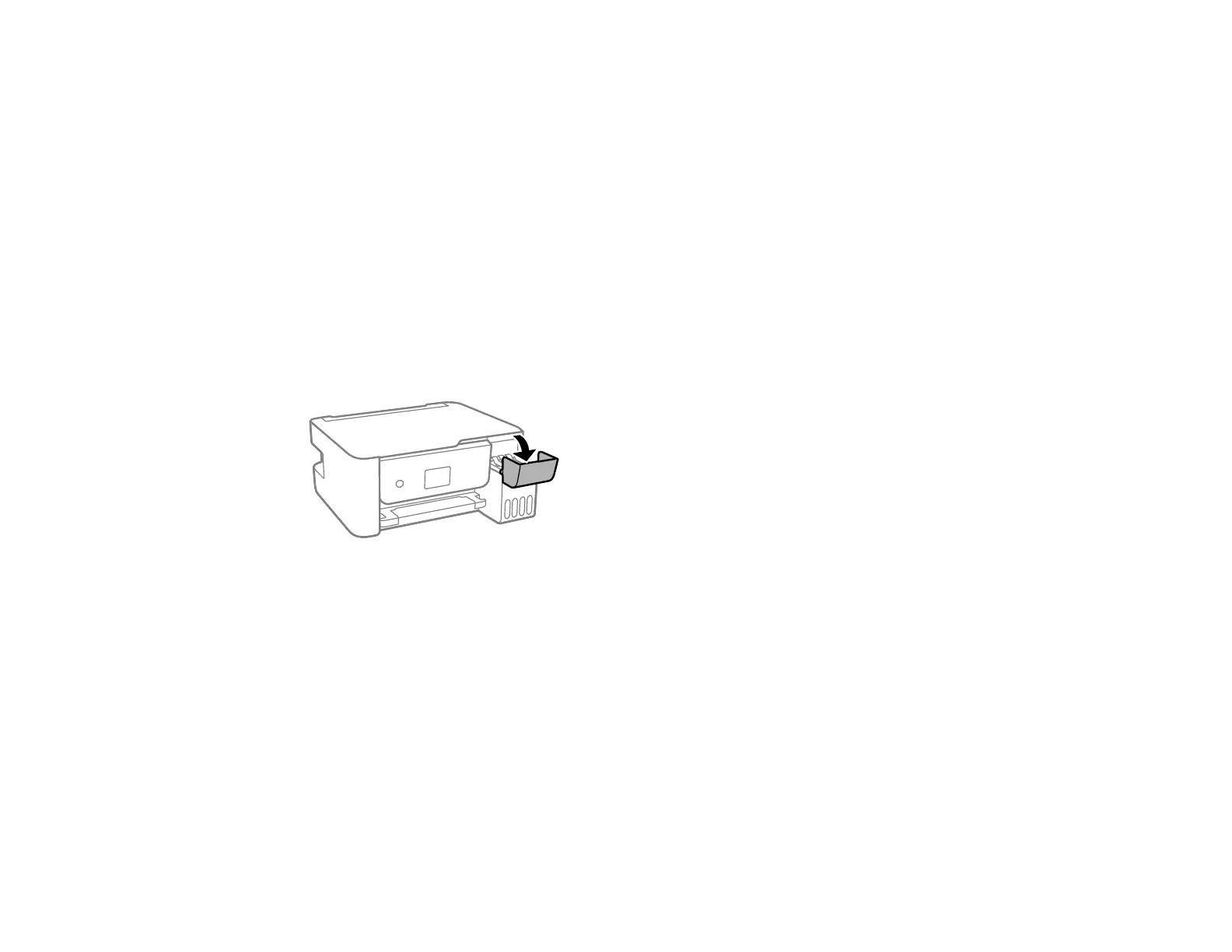
5. Open the ink tank cover.











 To Next Page