58
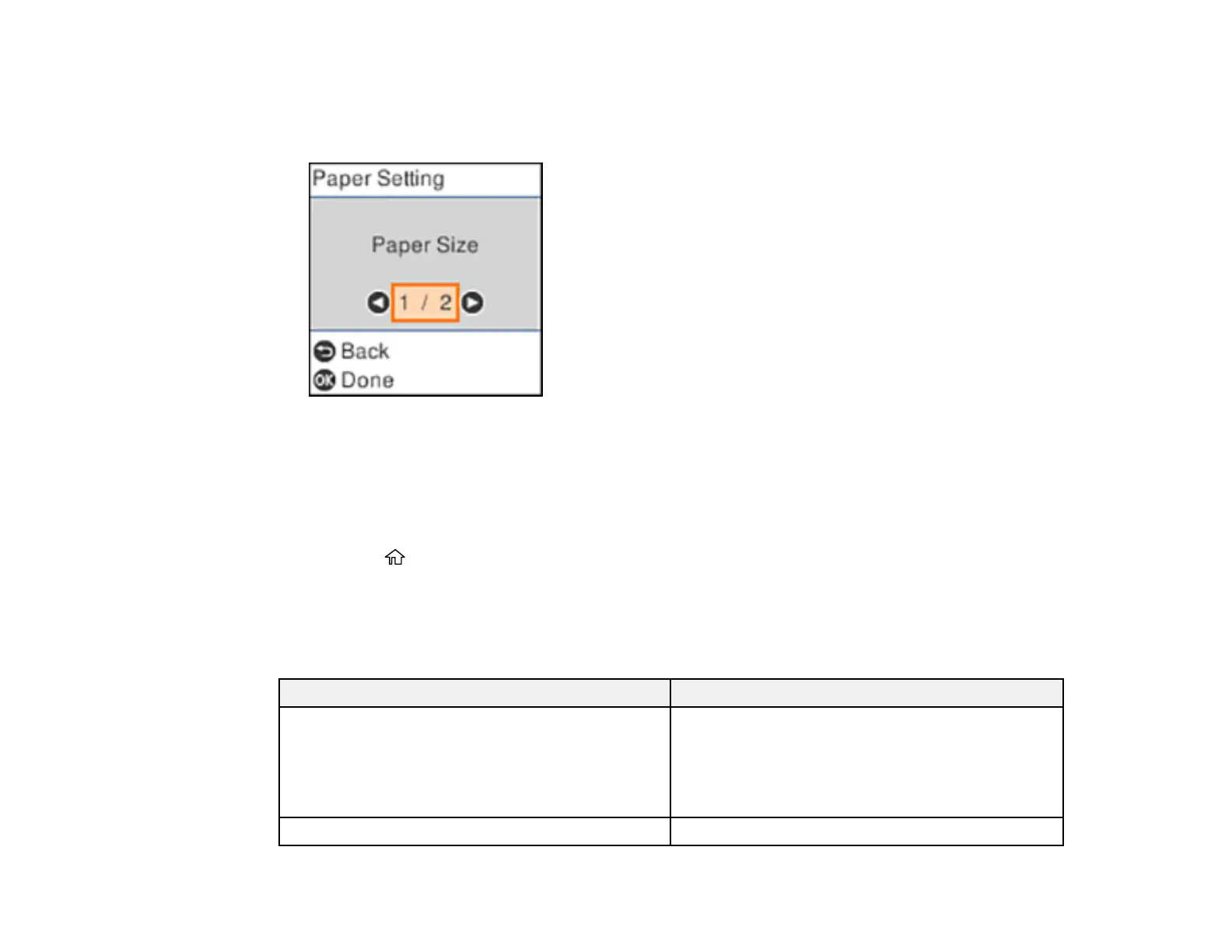
2. Use the arrow and OK buttons to select Settings > Printer Setup > Paper Source Settings >
Paper Setting.
You see a screen like this:
3. Select Paper Size.
4. Select the paper size you loaded.
5. Select Paper Type.
6. Select the paper type you loaded.
7. Press the home button to exit.
Paper or Media Type Settings - Control Panel
Parent topic: Loading Paper
Paper or Media Type Settings - Control Panel
For this paper Select this Paper Type setting
Plain paper
Epson Bright White Pro Paper
Epson Bright White Premium Paper
Epson Multipurpose Plus Paper
Plain Paper
Epson Premium Photo Paper Glossy Prem. Glossy











 To Next Page