20
Adjusting Control Panel Sounds
Adjusting the Screen Brightness
Turning Off the Operation Time Out Setting
Parent topic: Product Basics
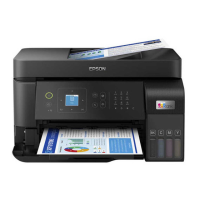
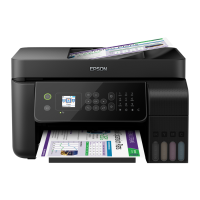
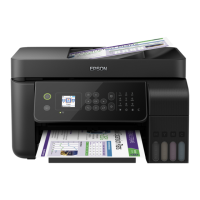
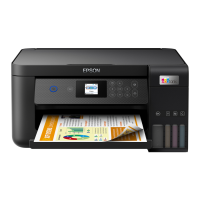
Control Panel Buttons and Lights
1
power button and light
2
home button
3
received fax light
4 LCD screen
5
help button
The LCD Screen
Status Icon Information
Parent topic: Using the Control Panel



 To Next Page