248
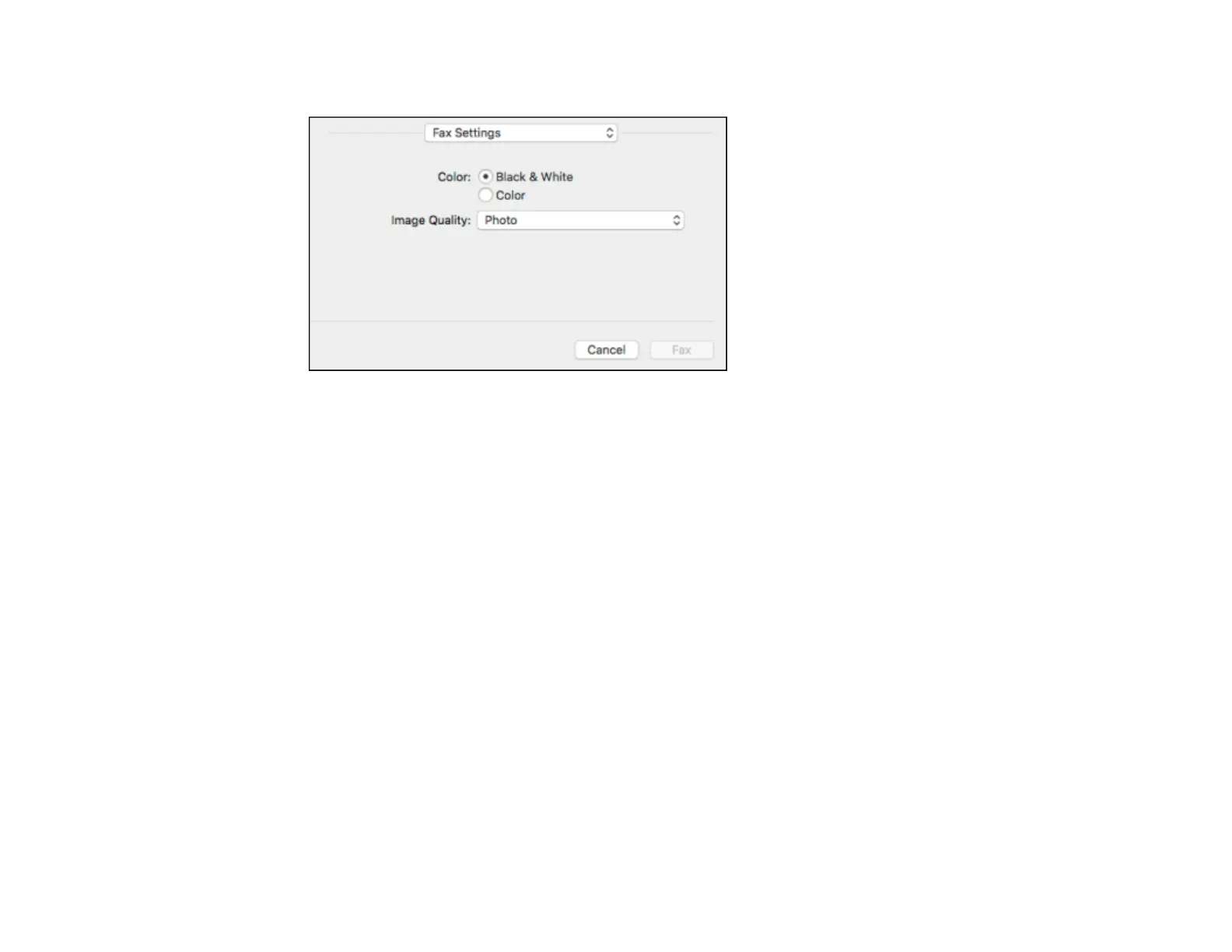
You see this window:
9. Select the Color and Image Quality settings you want to use for your fax.
10. Click Fax.
Parent topic: Sending Faxes
Receiving Faxes
See these sections to receive faxes with your product.
Note: Do not turn the product off while it is receiving a fax. Otherwise, the fax transmission will be lost.
Fax Reception
Receiving Faxes Automatically
Receiving Faxes Manually
Receiving a Fax by Polling
Saving and Viewing Received Faxes
Parent topic: Faxing
Fax Reception
Your product will automatically receive and print faxes when you set the Receive Mode to Auto.


 To Next Page