29
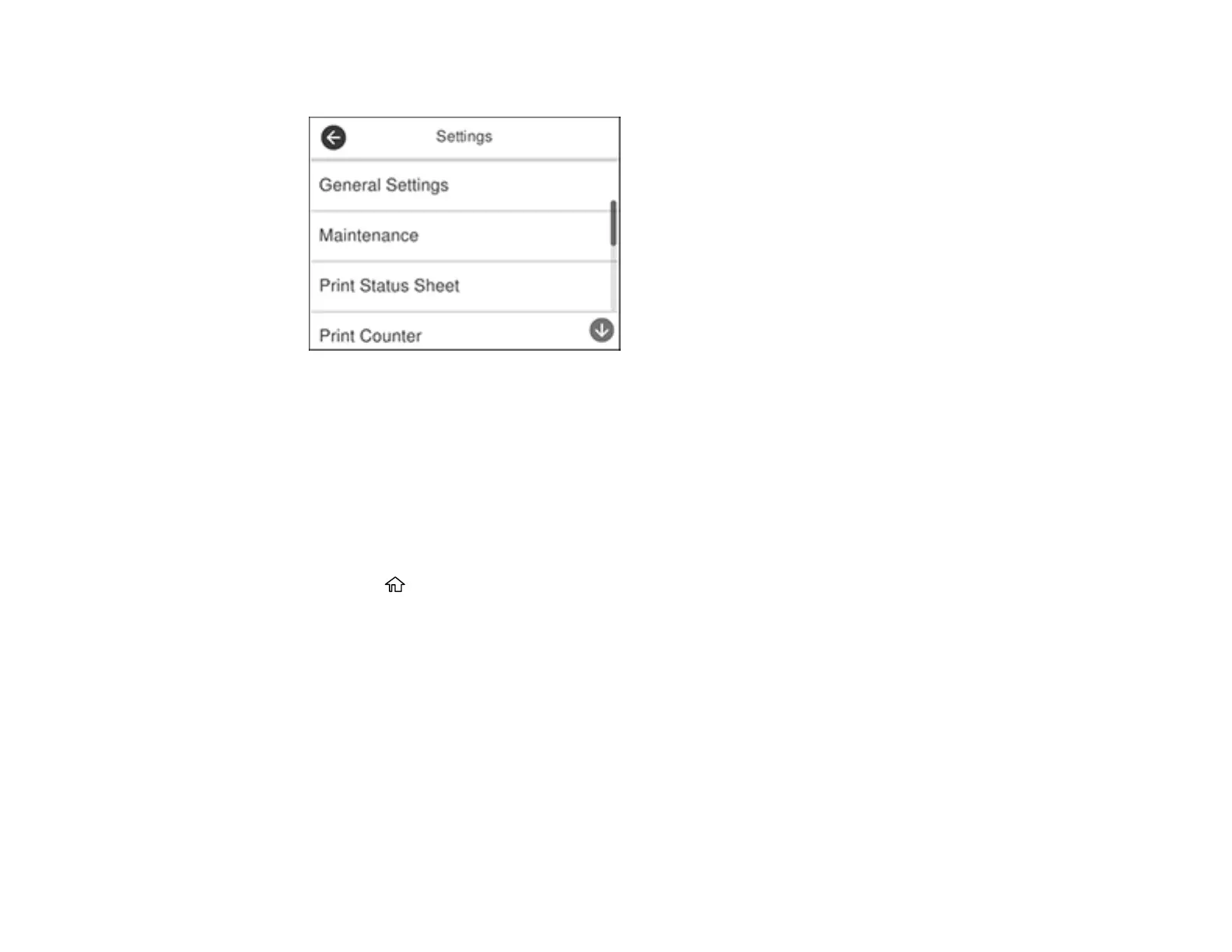
You see a screen like this:
3. Select General Settings.
4. Select Basic Settings.
5. Scroll down and set Operation Time Out to Off.
Parent topic: Control Panel Buttons and Lights
Preventing PC Connection via USB
You can disable access to your product from a USB-connected computer. This restricts non-network
access to the product.
1. Press the home button, if necessary.
2. Select Settings.


 To Next Page