287
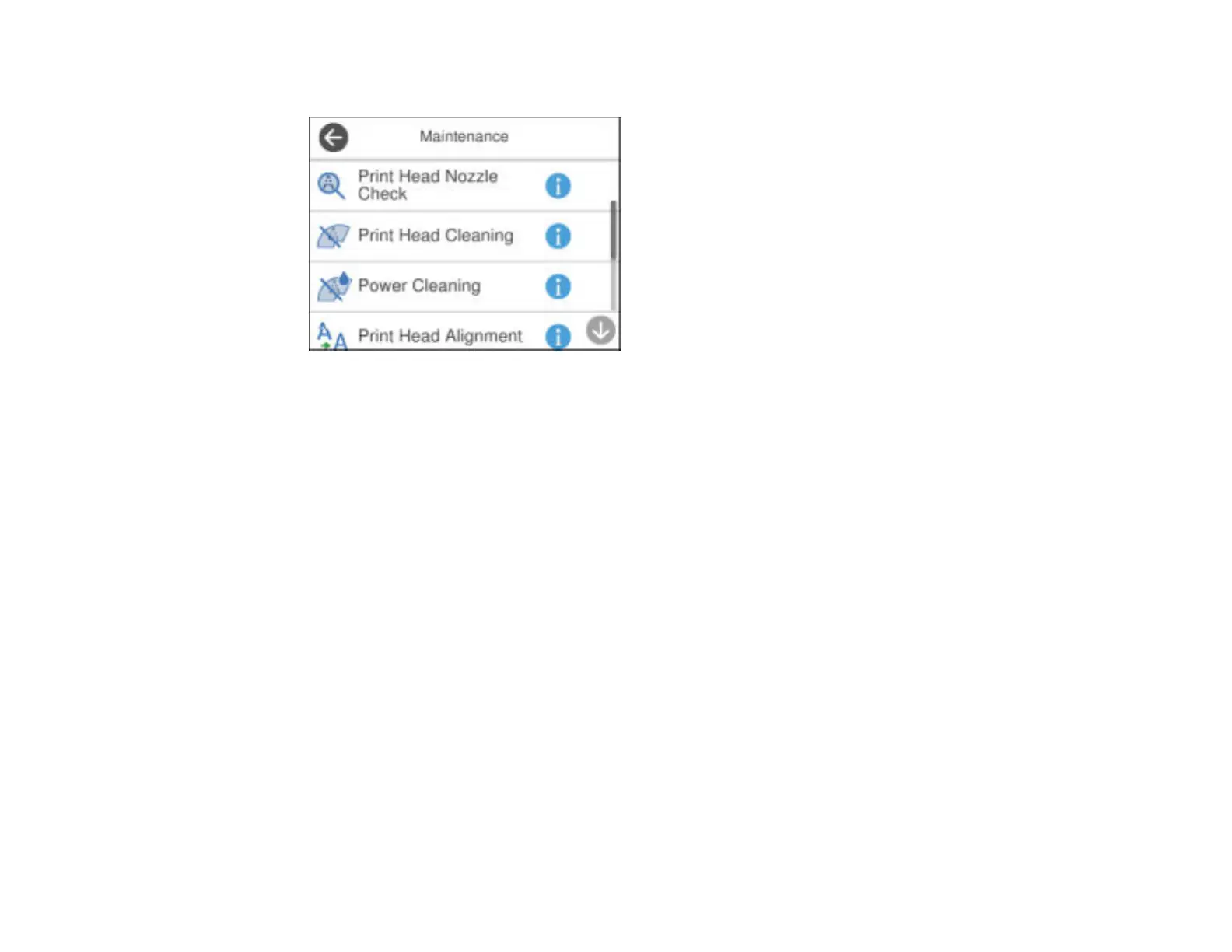
You see a screen like this:
5. Scroll down and select Paper Guide Cleaning.
6. Follow the on-screen instructions to clean the paper guide.
7. Repeat these steps as necessary until the paper comes out clean.
Parent topic: Adjusting Print Quality
Related concepts
Print Head Alignment
Print Head Cleaning
Related tasks
Cleaning the Print Head Using a Computer Utility
Cleaning the Print Head Path
If the print quality has not improved after cleaning and aligning the print head and cleaning the paper
path, the print head path inside the printer may be smeared with ink.
To clean the print head path, use the following:
• Several cotton swabs
• ¼ cup (60 ml) water containing 2 to 3 drops of mild dish detergent
• A small flashlight


 To Next Page