58
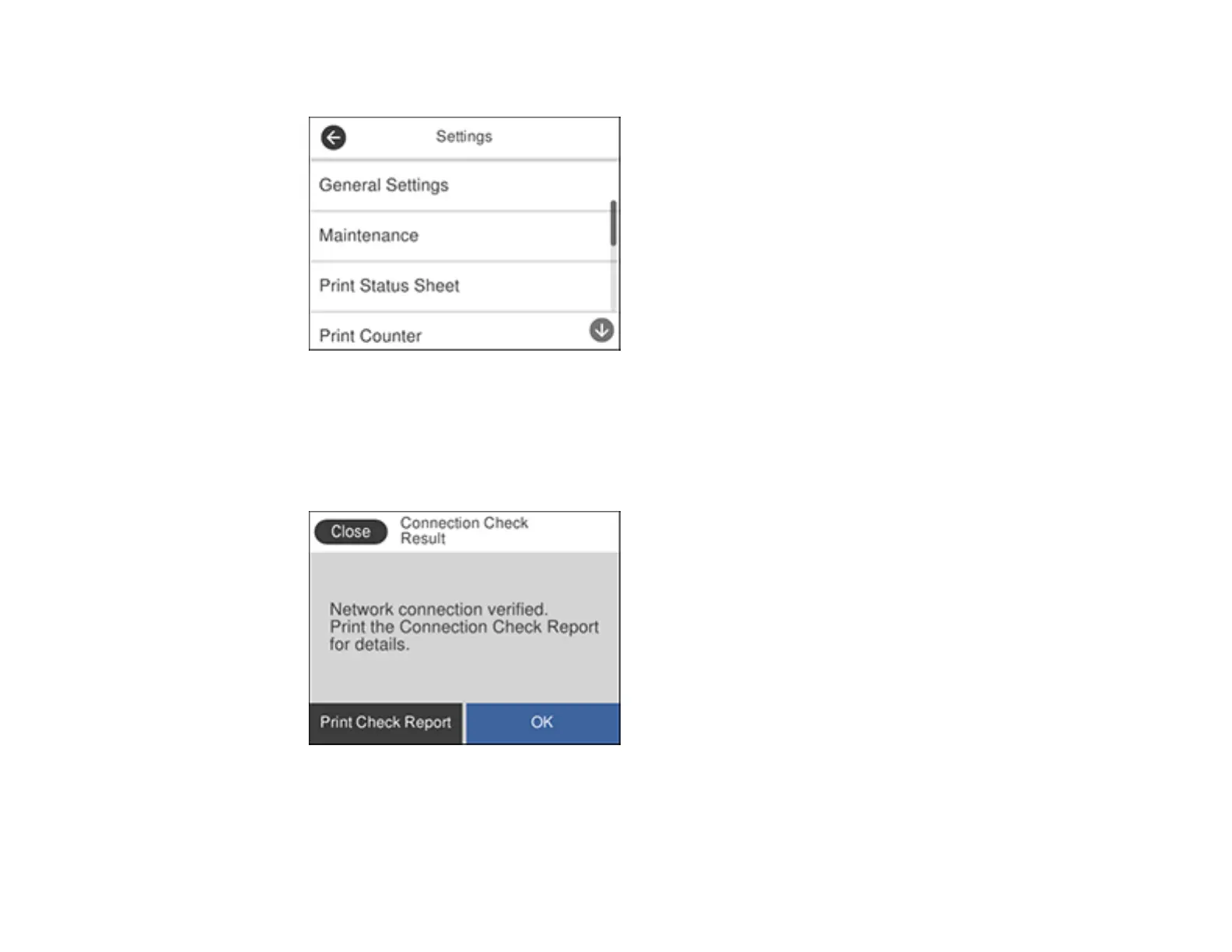
You see a screen like this:
4. Select General Settings.
5. Select Network Settings.
6. Select Connection Check.
You see a screen like this:
7. Select Print Check Report to print the network connection report.
Examine any error codes and solutions shown on the network connection report.



 To Next Page