67
2. Select the icon.
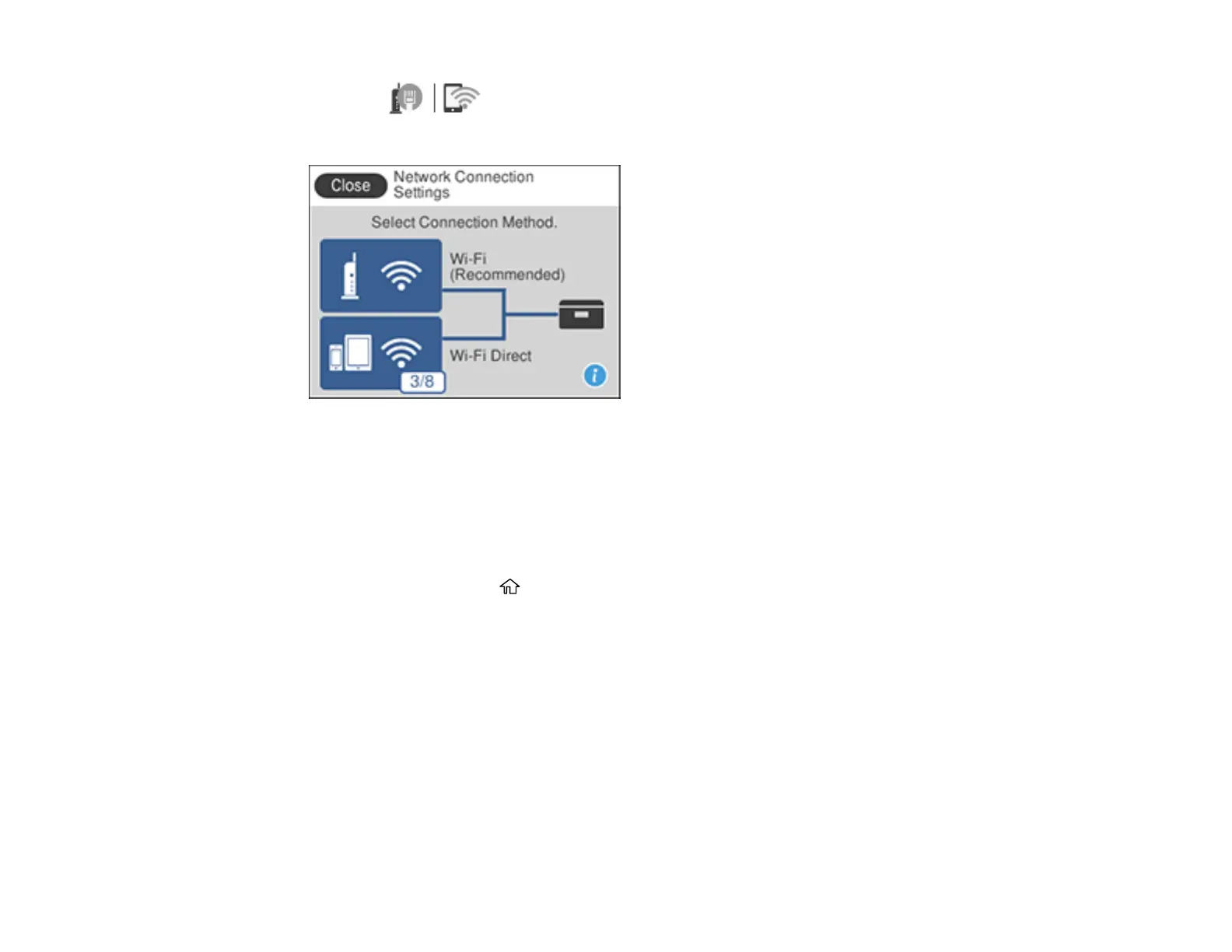
You see a screen like this:
3. Select Wi-Fi (Recommended).
4. Select Change Settings.
5. Select Others.
6. Select Disable Wi-Fi.
7. Select Start Setup to disable Wi-Fi.
8. When finished, press the home button to return to the Home screen.
Parent topic: Changing or Updating Network Connections



 To Next Page