91
1. Press the home button, if necessary.
2. Select Settings > General Settings > Printer Settings > Paper Source Settings > Paper Setting.
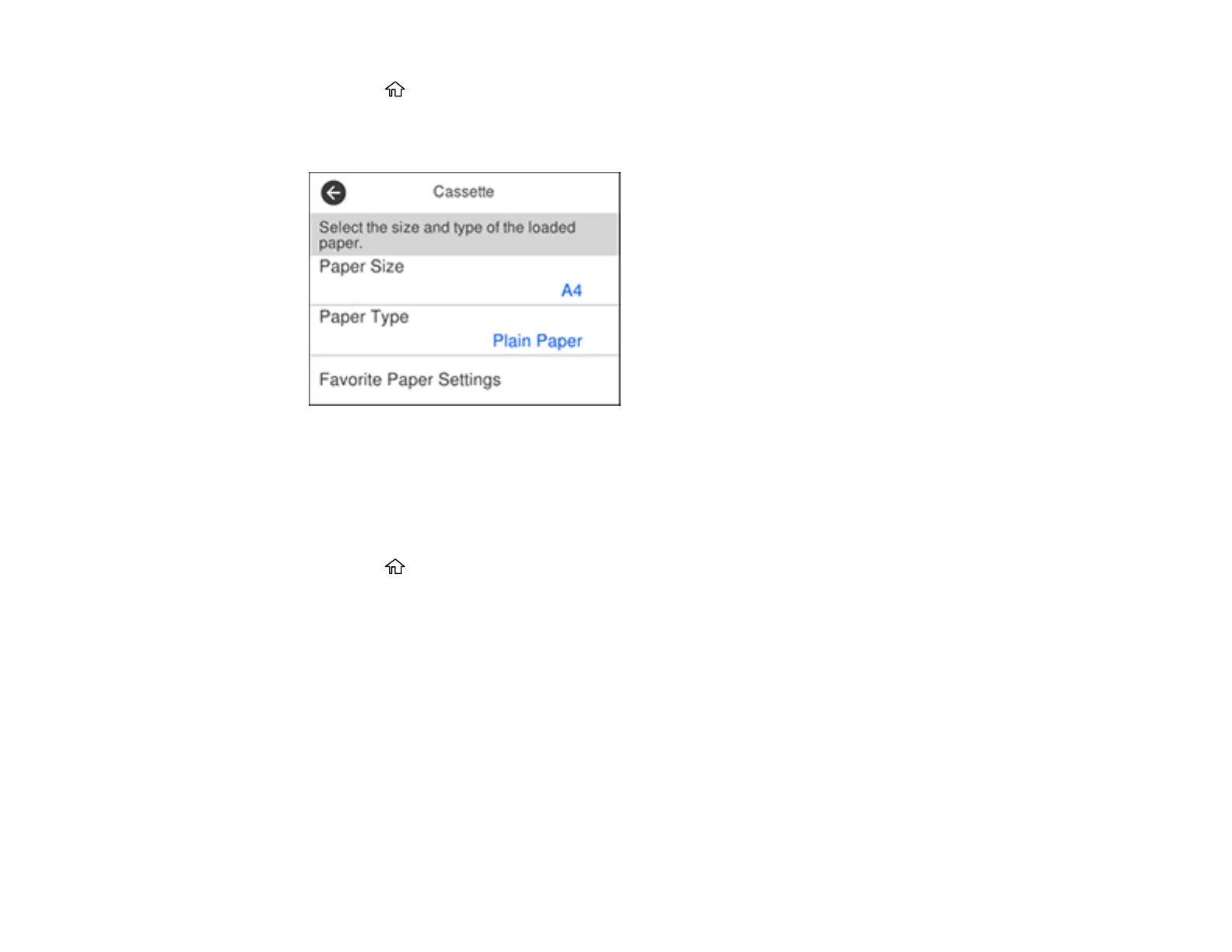
You see this screen:
3. Select Paper Size.
4. Select the paper size you loaded.
5. Select Paper Type.
6. Select the paper type you loaded.
7. Press the home button to exit.
Paper or Media Type Settings - Control Panel
Parent topic: Loading Paper



 To Next Page