99
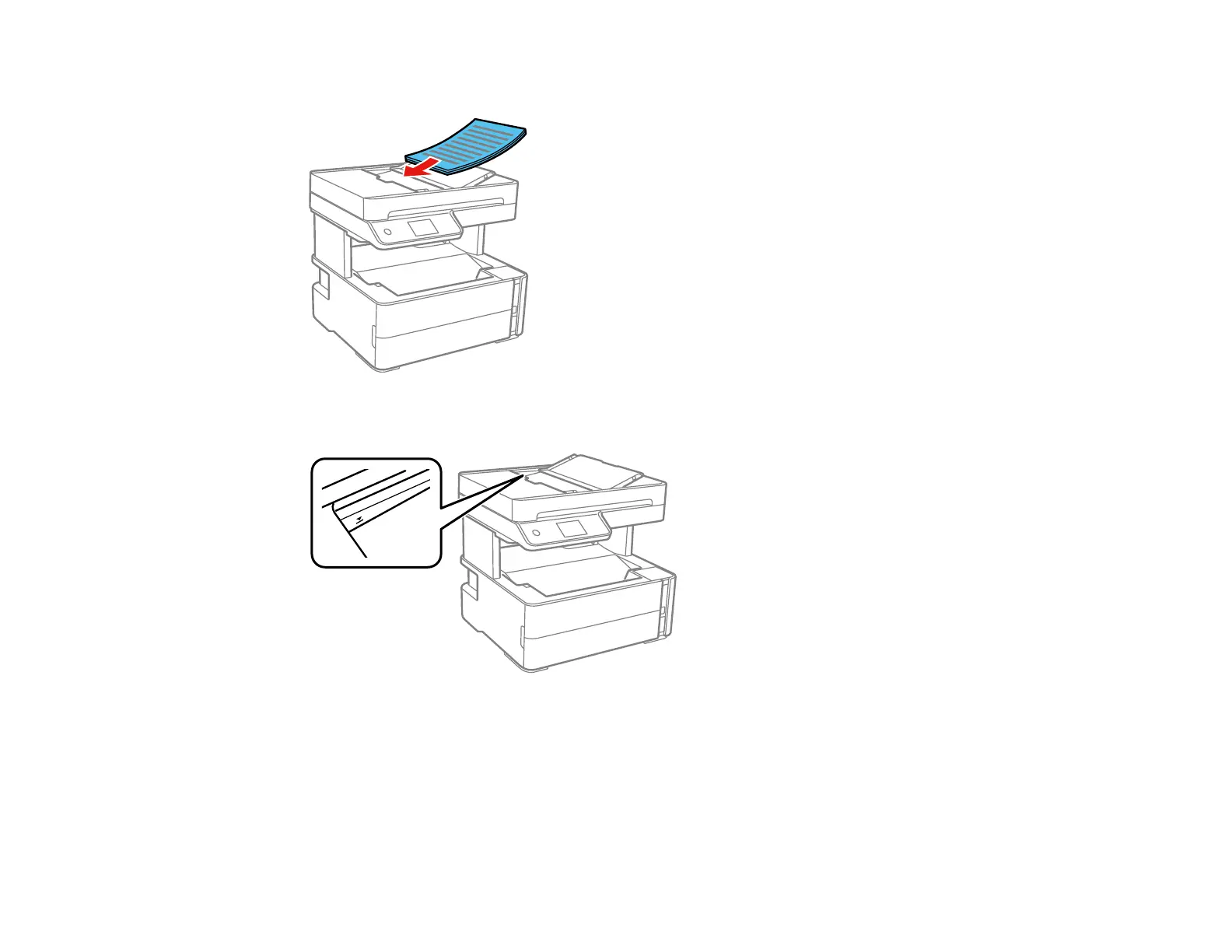
4. Insert the originals into the ADF faceup and short edge first.
Note: Do not load originals above the arrow mark on the ADF edge guide.
5. Slide the ADF edge guide against the originals, but not too tightly.
ADF Original Document Specifications
Parent topic: Placing Originals on the Product
Related references
Copying Options



 To Next Page