180
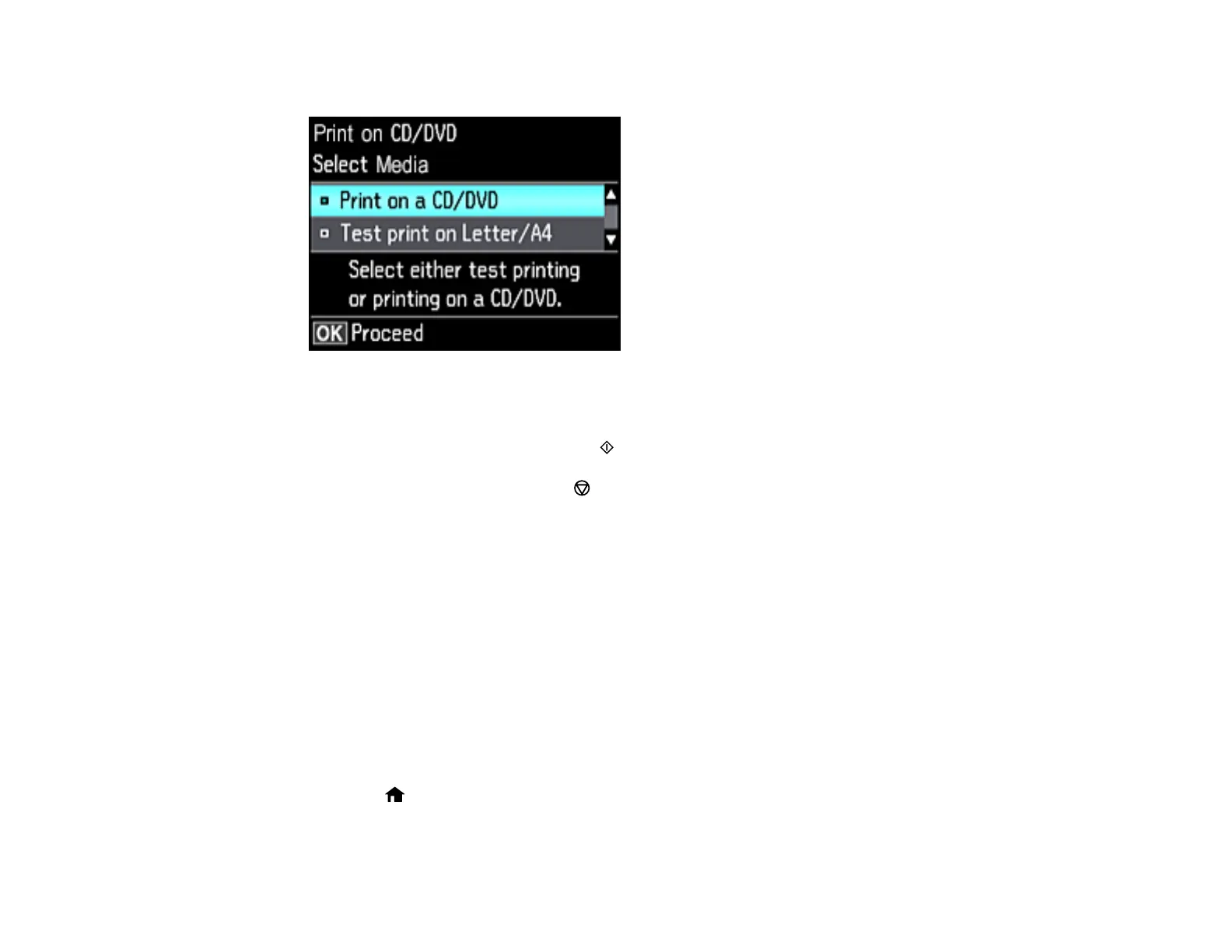
You see this screen:
9. Select one of the options shown on the screen and press the OK button. If printing a test print on
plain paper, press the OK button again.
10. When you are ready to print, press the start button.
Note: To cancel printing, press the cancel button.
Parent topic: Printing on CDs/DVDs
Related tasks
Inserting a Memory Card
Loading a CD/DVD
Printing a Jewel Case Insert from a Memory Card
You can print a photo from a memory card on a CD/DVD jewel case insert. Your product automatically
resizes the photo to fit, but you can also print mulitple thumbnail images formatted to fit on a jewel case
insert. After the insert is printed, you can cut and fold it to fit.
1. Insert a memory card into a memory card slot on your product.
2. Load the paper you want to print on.
3. Press the home button, if necessary.



 To Next Page