64
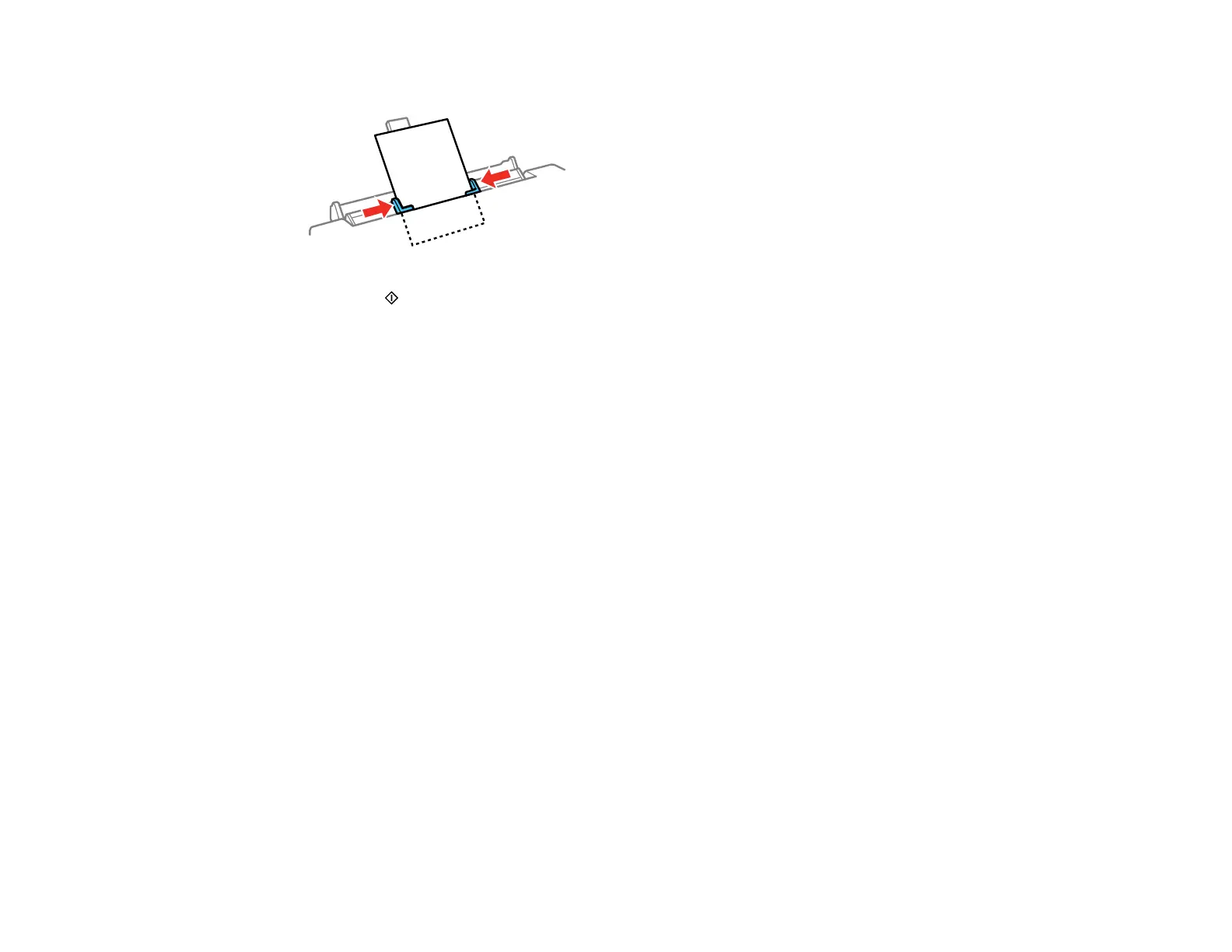
10. Slide the edge guides against the paper or envelope, but not too tightly.
11. Press the start button to start printing.
Always follow these paper loading guidelines:
• Load only one sheet or one envelope at a time.
• Load paper short edge first, no matter which way your document faces.
• Load the printable side faceup.
• Load letterhead or pre-printed paper top edge first.
• Check the paper package for any additional loading instructions.
Note: You can load a sheet of binder paper with holes on one of the long edges, but not for automatic 2-
sided printing.
Parent topic: Loading Paper
Related references
Paper Loading Capacity
Related tasks
Loading Paper in Cassette 1 (Upper Cassette)
Loading Paper in Cassette 2 (Lower Cassette)
Selecting Basic Print Settings - Windows
Selecting Basic Print Settings - Mac
Selecting the Paper Settings for Each Source - Control Panel
You can change the default paper size and paper type for each source using the control panel on the
product.



 To Next Page