246
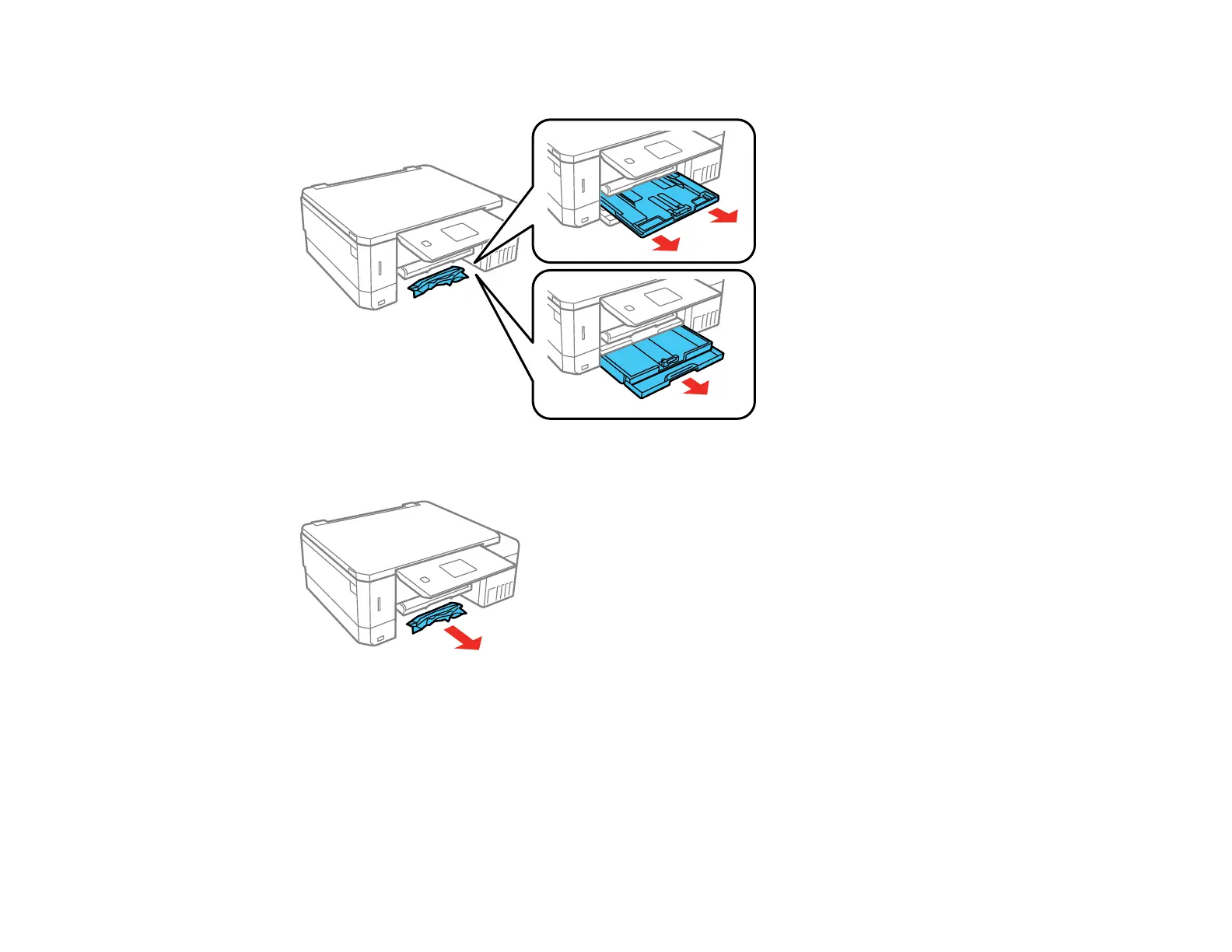
3. Pull out and remove both paper cassettes.
4. Remove the jammed paper.
5. Make sure the paper you load is under the edge guides.
6. Keep the cassette flat as you insert it. Insert Cassette 1 (upper cassette) it until the arrows on the right
side line up.
7. Follow the prompts on the LCD screen to clear any error messages. If you still see a paper jam
message, check the other paper jam solutions.
Parent topic: Solving Paper Problems



 To Next Page