7. Return the printer to its normal position, and then insert the paper cassettes.
c
Important:
Do not leave the printer standing for a long time.
8. Connect the power cord.
Cleaning the Scanner Glass
When the copies or scanned images are smeared, clean the scanner glass.
c
Important:
Never use alcohol or thinner to clean the printer. ese chemicals can damage the printer.
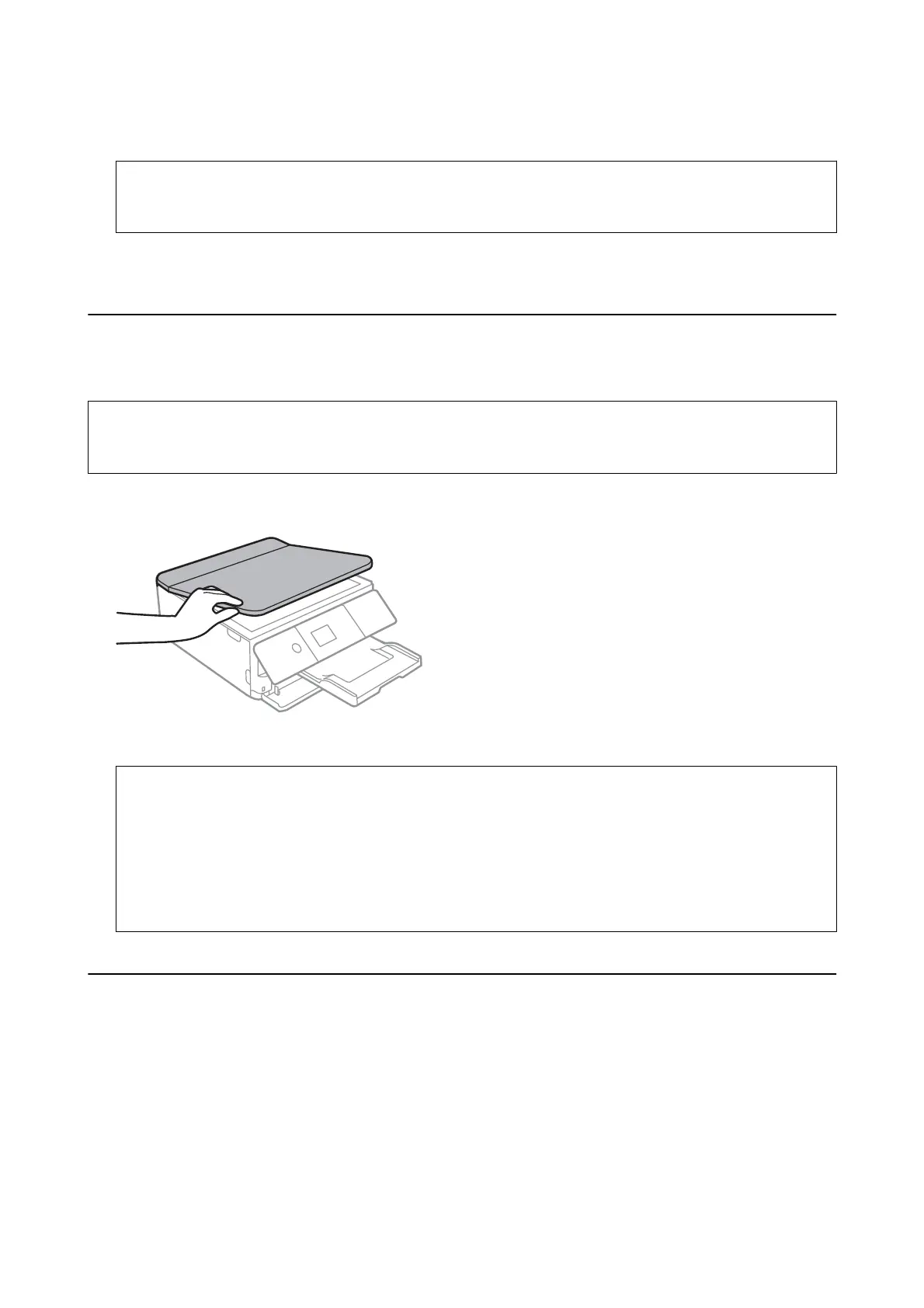
1. Open the document cover.
2. Use a so, dry, clean cloth to clean the surface of the scanner glass.
c
Important:
❏ If the glass surface is stained with grease or some other hard-to-remove material, use a small amount of
glass cleaner and a so cloth to remove it. Wipe o all remaining liquid.
❏ Do not press the glass surface too hard.
❏ Be careful not to scratch or damage the surface of the glass. A damaged glass surface can decrease the scan
quality.
Cleaning the Translucent Film
When the printout is not improved aer aligning the print head or cleaning the paper path, the translucent lm
inside the printer may be smeared.
Items required:
❏ Cotton swabs (several)
❏ Water with a few drops of detergent (2 to 3 drops of detergent in 1/4 cup of tap water)
❏ Light for checking smears
User's Guide
Maintaining the Printer
176














 To Next Page