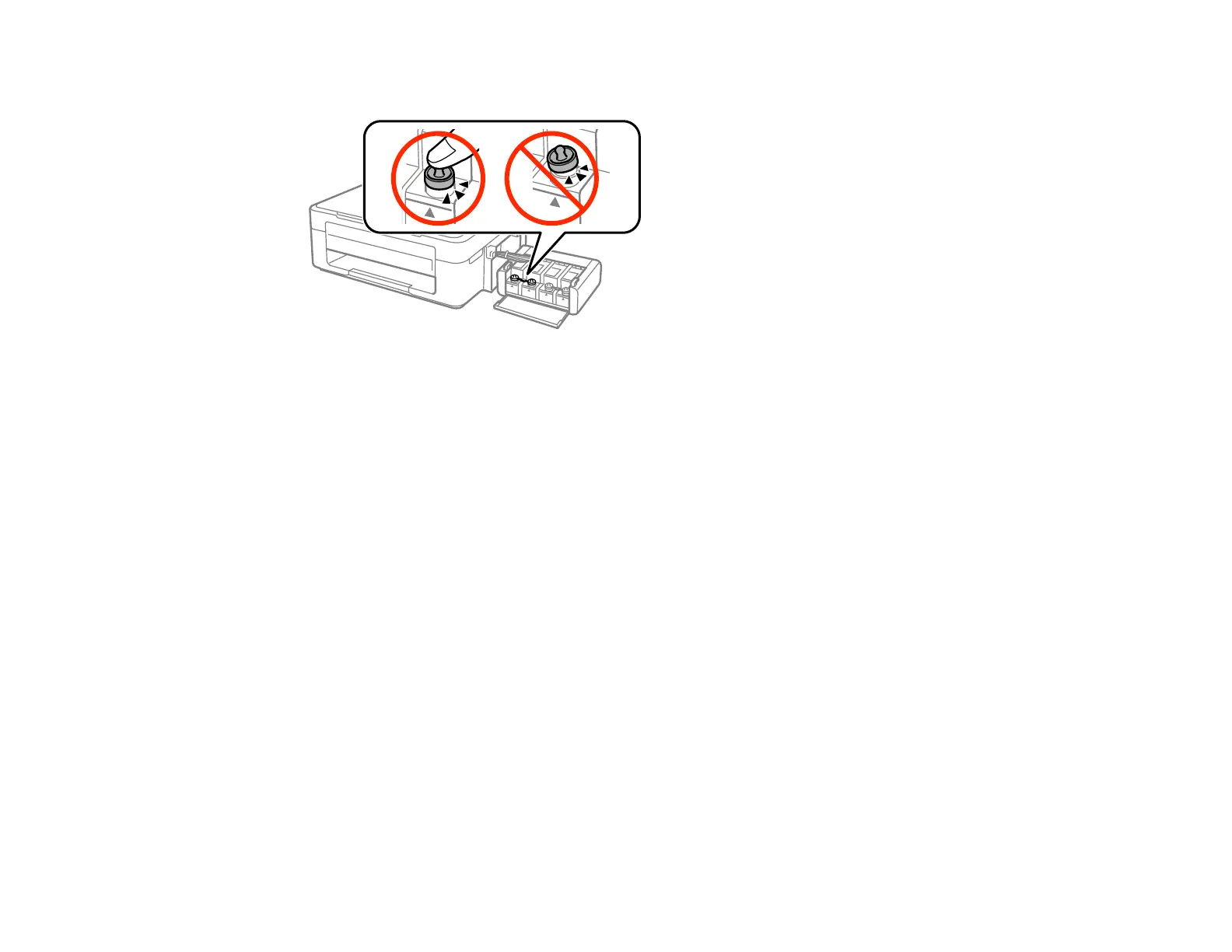
10. Open the ink tank unit cover and check to make sure that the ink tank caps are installed securely.
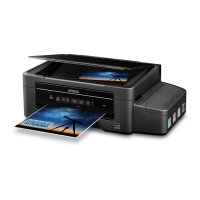
11. Hook the ink tank unit onto the product.
12. Place the product in its original packaging materials, if possible, or use equivalent cushioning around
the product.
Caution:
• Keep the product level during transport. Otherwise, ink may leak.
• Do not put opened ink bottles in the box with product.
Parent topic: Cleaning and Transporting Your Product
Related concepts
Print Head Cleaning
Print Head Alignment
136



 To Next Page