176
Caution: When removing jammed paper, avoid tilting the printer, placing it vertically, or turning it
upside down; otherwise ink may leak.
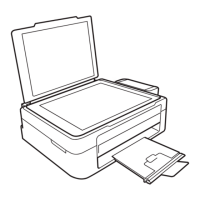
6. Close the scanner unit.
7. Close the front cover.
8. Carefully follow all paper loading instructions when you load new paper.
Parent topic: Solving Paper Problems


 To Next Page