38
The PC_DATA folder is one of the default albums
on the P-2000; you cannot rename or delete it or
create an album thumbnail for it.
Disconnecting the P-2000 From Your
Windows Computer
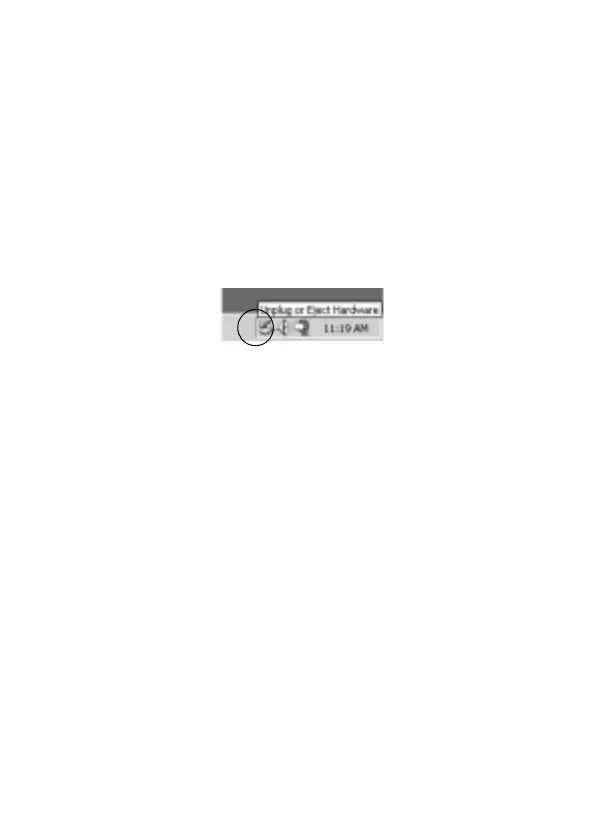
1 Click
Unplug or Eject Hardware on the computer
screen.
2 Turn off the P-2000 and remove the USB cable from
your computer.
3 Remove the USB cable from the P-2000.
Disconnecting the P-2000 From Your
Macintosh
1 Drag and drop the P-2000 icon to the trash.
2 Turn off the P-2000 and remove the USB cable from
your Macintosh.
3 Remove the USB cable from the P-2000.



 To Next Page