o Check the print results and take one of the following measures
❏ If streaks (horizontal banding or uneven colors) appear in print results
Check the print head nozzles for clogging
U “When you want to unclog the print head” on page 199
The nozzles are not clogging / Clogging is resolved but streaks still appear in the print results
Perform Paper Feed Adjust (Manual)
U “Paper Feed Adjust (Manual) Procedure” on page 198
❏ If ruled lines are duplicated, lettering is warped, or print results are grainy
Perform Print Head Alignment (Manual)
U “Print Head Alignment (Manual) Procedure” on page 198
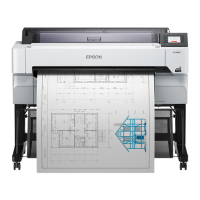
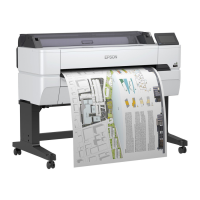
SC-T5400 Series/SC-T5400M Series/SC-T3400 Series/SC-T3400N Series User's Guide
Problem Solver
197


 To Next Page
 Loading...