D
Detach the transparent flange from the spindle.
E
Remove the spindle from the roll paper.
c
Important:
After rewinding the roll paper carefully, store it
in the original package.
F
Attach the transparent flange to the spindle and
return the spindle in the printer.
G
Close the roll paper cover and cut sheet cover.
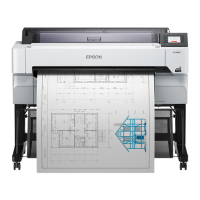
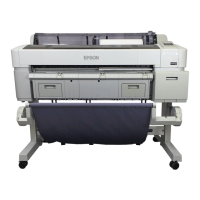
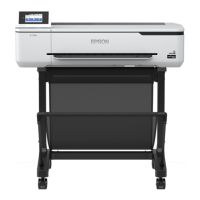
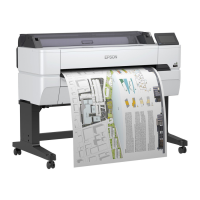
SC-T5400 Series/SC-T5400M Series/SC-T3400 Series/SC-T3400N Series User's Guide
Loading and Setting the Paper
41


 To Next Page
 Loading...