B
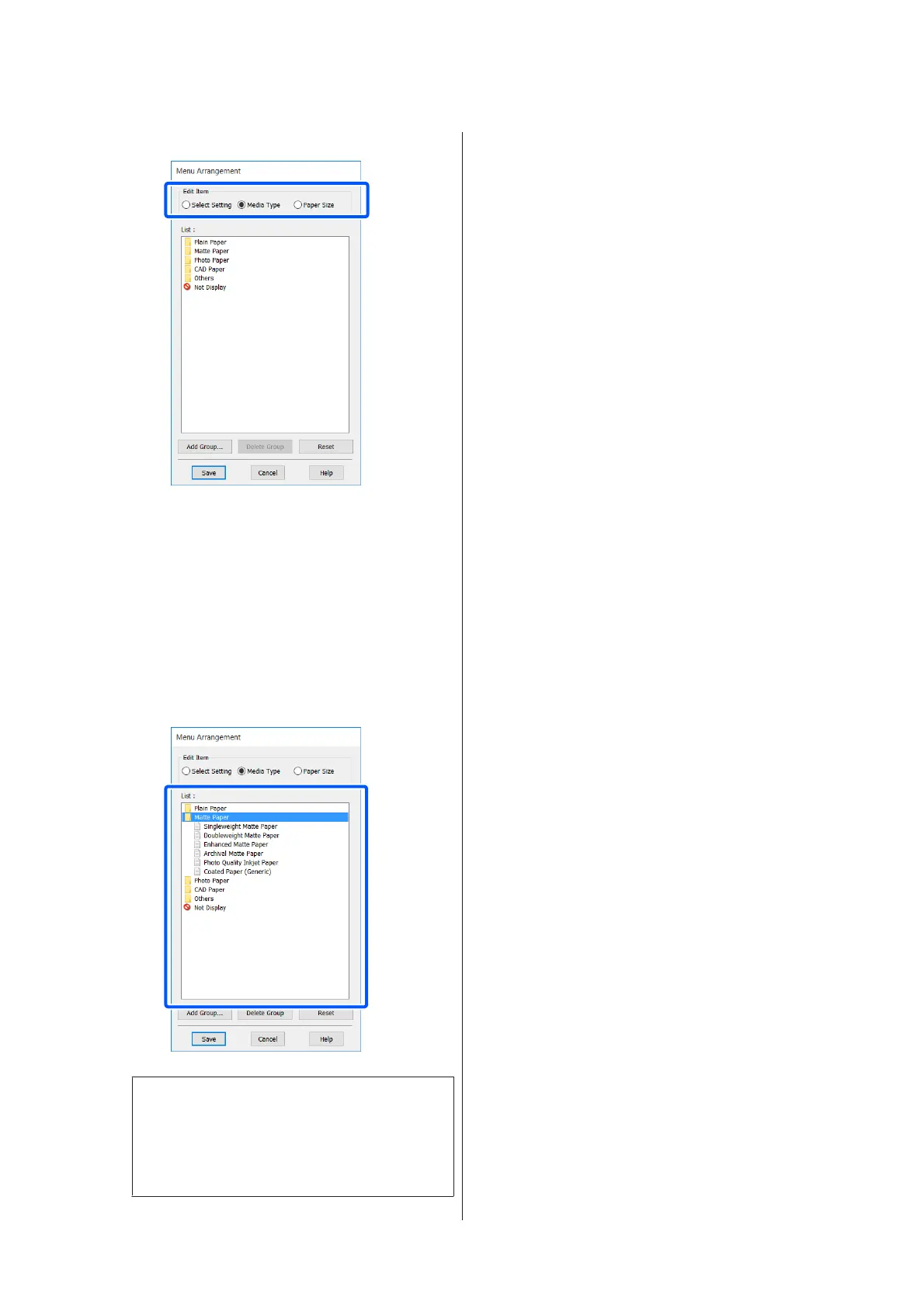
Select Edit Item.
C
Change the display order and groups in List.
❏ You can move and order items by dragging and
dropping.
❏ To add a new group (folder), click Add
Group....
❏ To delete a group (folder), click Delete
Group.
❏ Drag and drop unnecessary items to Not
Display.
Note:
When Delete Group is performed, the group
(folder) is deleted, but the settings in the deleted
group (folder) remain. Delete them individually
from List in the save location.
D
Click Save.
SC-T5400 Series/SC-T5400M Series/SC-T3400 Series/SC-T3400N Series User's Guide
Printing with the Printer Driver from Your Computer
56


 To Next Page
 Loading...