3
Scanning images and documents
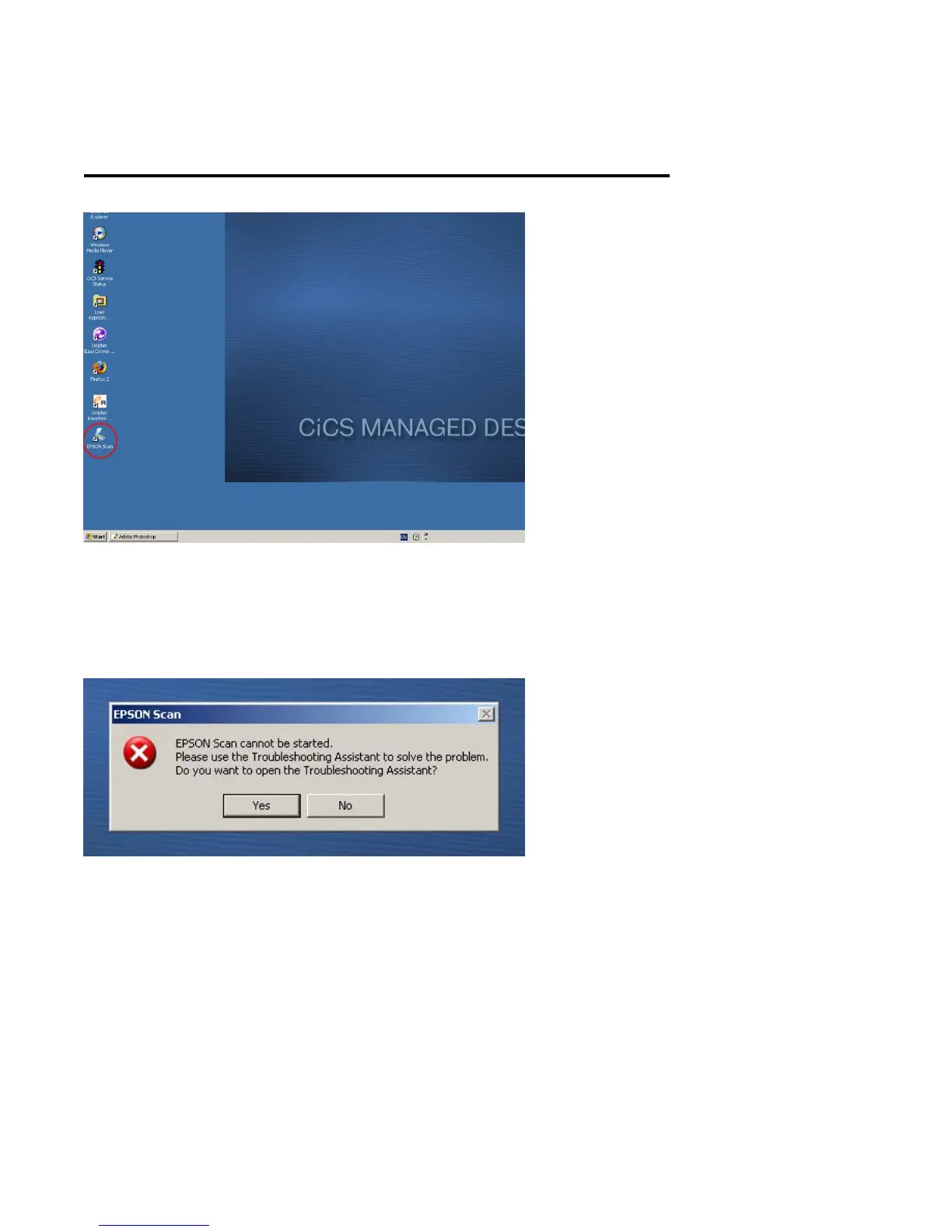
1. Open ‘Epson Scan’ by Double left clicking on desktop
icon
If this error message appears, make sure scanner is
switched on.
To switch on scanner follow troubleshooting instructions on
page 20, then left click on ‘No’ and repeat step 1










 To Next Page