EasyManua.ls Logo

Epson Stylus CX3700 - User Manual

Epson Stylus CX3700
171 pages
Print Icon
To Next Page IconTo Next Page
Loading...
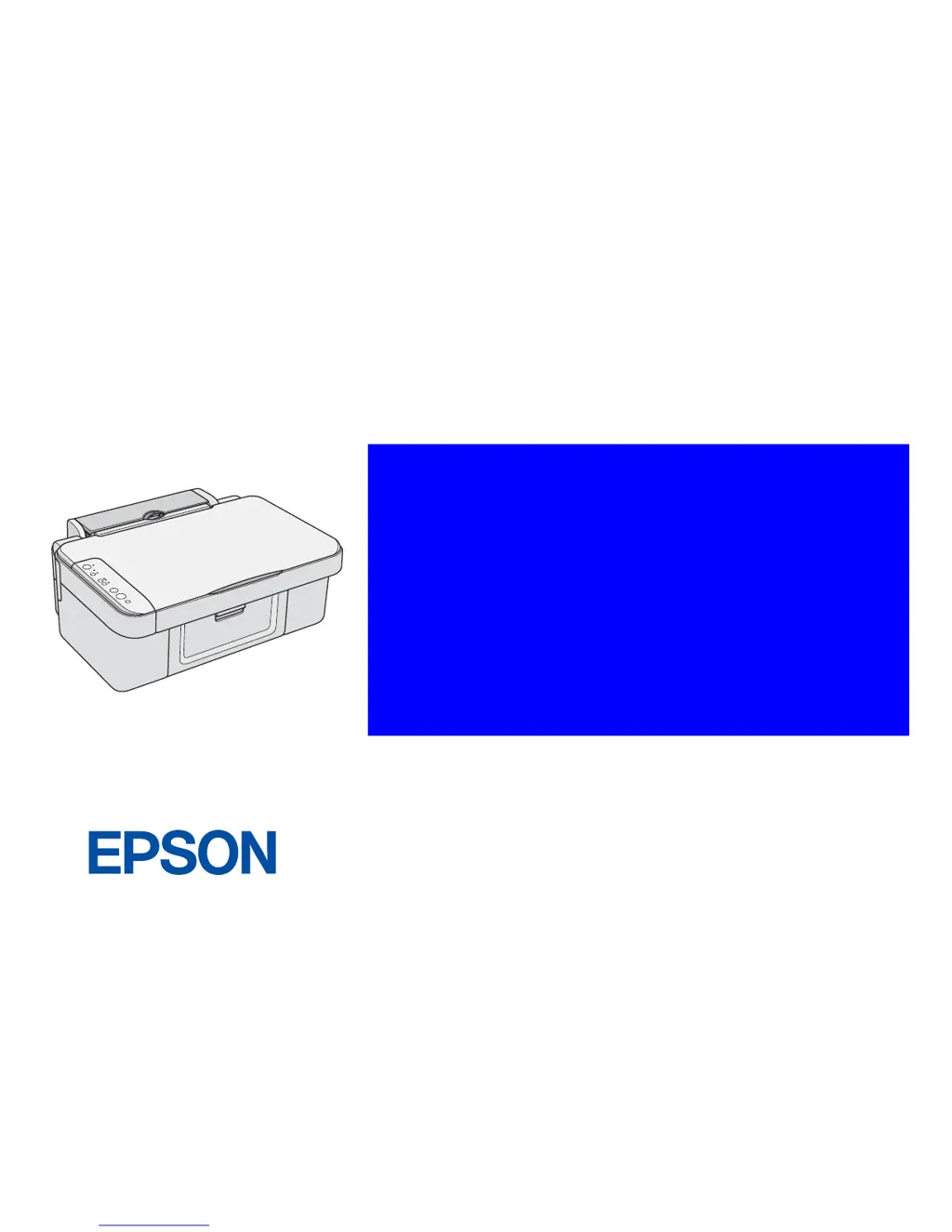
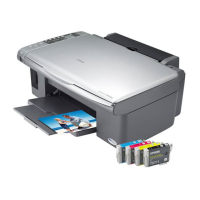
EPSON Stylus CX3700/CX3800/CX3805/
CX3810/DX3800/DX3850
Color Inkjet Printer
SEIJ05-012
SERVICE MANUAL

Other manuals for Epson Stylus CX3700

Questions and Answers

  • J
    jennifer25Jul 30, 2025
    What to do if LD Roller cannot pick up paper in Epson Stylus CX3700?
    • P
      Pamela TaylorJul 30, 2025
      If your Epson Printer's LD Roller can't pick up paper, even though it rotates correctly, try setting a cleaning sheet in the ASF Unit upside down. Then, holding the top edge, try to load the paper from the Printer driver. Alternatively, reassemble the Compression Spring 2.51 between the ASF Frame and the Hopper.
  • M
    Mr. Joseph LarsonAug 3, 2025
    What to do if Epson Stylus CX3700 SPC does not perform the printing operation?
    • J
      John HartmanAug 3, 2025
      If the SPC does not perform the printing operation and an error is indicated with LEDs and STM3, replace the ink cartridge with a brand-new one.
  • C
    cheryl35Aug 7, 2025
    What to do if the leading edge of paper doesn't go through between the EJ Roller Unit and the Star Wheel in Epson Stylus CX3700?
    • A
      Angela FigueroaAug 8, 2025
      If the leading edge of the paper doesn't go through between the EJ Roller Unit and the Star Wheel on your Epson Printer, try reassembling the EJ Frame Unit correctly or reassembling the Paper Guide Front Unit correctly.
  • A
    Anthony BarkerAug 12, 2025
    What to do if Epson Stylus CX3700 SPC does not perform the initial ink charge?
    • R
      Ronald ChandlerAug 12, 2025
      If the SPC does not perform the initial ink charge and an error is indicated with LEDs and STM3, replace the ink cartridge with a brand-new one or set the proper destination by using Adjustment Program.
  • K
    Kimberly OrtizAug 16, 2025
    What to do if Epson Stylus CX3700 Printer SPC does not perform the ink replacement CL?
    • A
      Amanda OlsonAug 16, 2025
      If the SPC does not perform the ink replacement CL and an error is indicated with LEDs and STM3, replace the ink cartridge with a brand-new one.
  • B
    Brandon MarshallAug 21, 2025
    What to do if a communication error is indicated with STM3 in Epson Printer?
    • W
      wagnerfranciscoAug 21, 2025
      If a communication error is indicated with STM3 when any printer job is sent to the SPC, connect the USB Cable to the SPC and the PC, use the Adjustment Program to write the correct value to the EEPROM address, or connect the Panel FFC to the CN12 on the Main Board.
  • C
    Claire CarterAug 25, 2025
    How to fix SPC when it does not operate at all when turning on the power in Epson Stylus CX3700 Printer?
    • B
      Brian HarrisAug 26, 2025
      If the SPC does not operate at all when turning on the power, connect the Panel FFC to CN1 on the Panel Board, replace the Panel FFC with a new one, or replace the Panel Board with a new one.

Summary

PRECAUTIONS

DANGER

Critical warnings for serious injury or fatal outcomes.

WARNING

Warnings for potential damage to equipment.

CHAPTER 1 PRODUCT DESCRIPTION

1.2 Specifications

Detailed technical specifications for the printer.

CHAPTER 2 OPERATING PRINCIPLES

CHAPTER 3 TROUBLESHOOTING

3.2 Error Indications and Fault Occurrence Causes

Details on error messages and their causes.

3.3 Troubleshooting

Step-by-step troubleshooting for common issues.

CHAPTER 4 DISASSEMBLY;ASSEMBLY

CHAPTER 5 ADJUSTMENT

Epson Stylus CX3700 Specifications

General IconGeneral
BrandEpson
ModelStylus CX3700
CategoryPrinter
LanguageEnglish

Related product manuals