Loading Paper 5
Loading Paper
You can print documents and photos on a variety of paper types and sizes. For
details, see page 7.
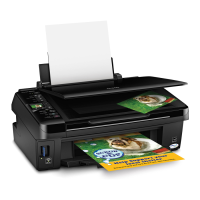
1. Open the paper support and pull up the extensions. Then open the output
tray, pull out the extensions, and raise the stopper.
2. Squeeze the edge guide and slide it left.
Tip:
If the feeder guard is in the way, flip it
forward.



 To Next Page
 Loading...