35
I J
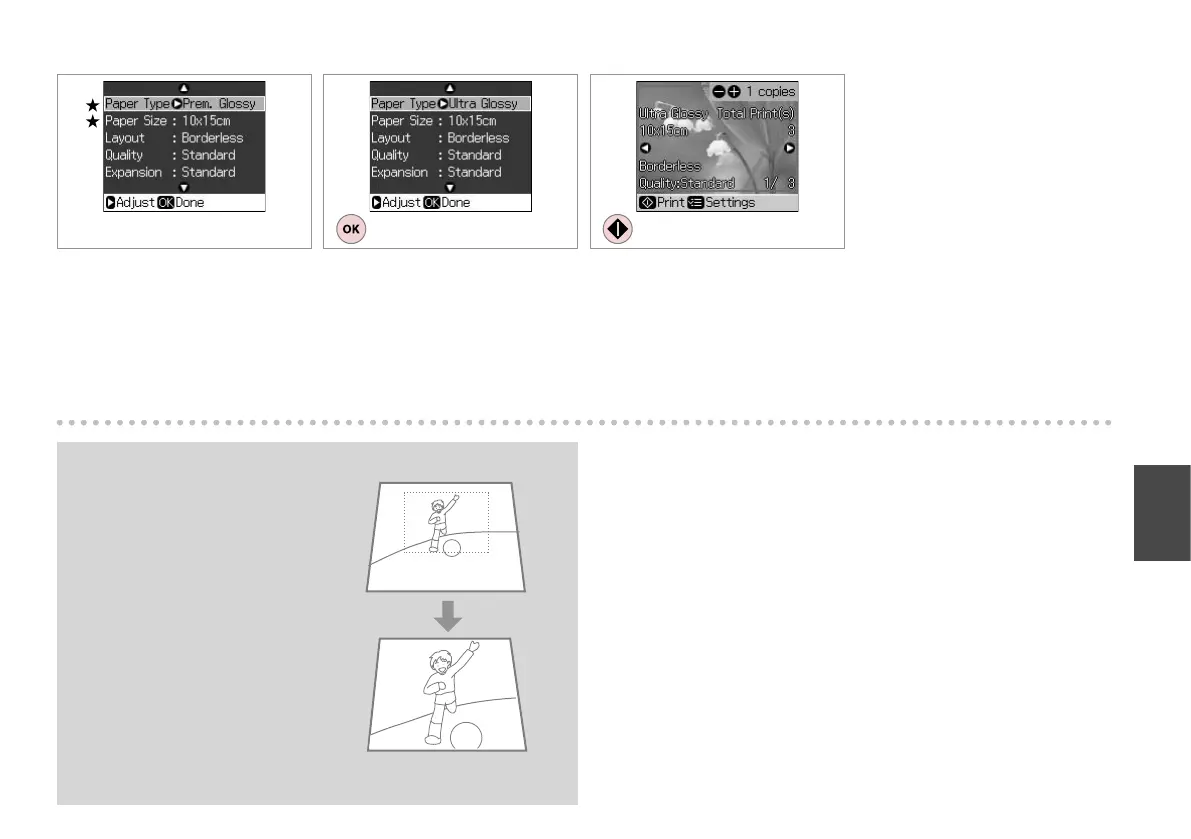
Finish the setting.
Pengaturan selesai.
Start copying.
Mulai menyalin.
After step 6, you can crop and
enlarge your photo. Press G and
make the settings.
Setelah langkah 6, Anda dapat
memotong dan memperbesar
foto Anda. Tekan G dan lakukan
pengaturan.
Q
H R & 36
Select print settings. (N essential)
Pilih pengaturan cetak. ( N penting)


 To Next Page
 Loading...