8 TM-T81II User’s Manual
5. Insert the AC plug into a socket.
Installing the Printer
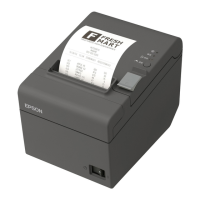
Install the printer horizontally on a flat surface (with the paper exit on top).
CAUTION:
Take measures to prevent the printer from moving by vibration during paper cutting and when
using a drawer. Affixing tape is provided as an option.
Installing Roll Paper
Follow the steps below to install the roll paper.
1. Use the cover open lever to open the roll paper cover.



 To Next Page
 Loading...