Introduction
3
Introduction
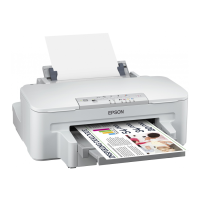
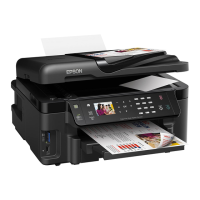
After you have set up your Epson WorkForce
™
30 Series printer as described on
the Start Here sheet, turn here to:
■ Load paper
■ Get the basic steps for printing from your computer
■ Perform routine maintenance
■ Solve simple problems
For additional instructions, see the online Epson Information Center by clicking the
WorkForce 30 Series Info Center
icon on your desktop. With Windows, you
can also click
Start
or , select
Programs
or
All Programs
, select
EPSON
,
select
WorkForce 30 Series Info Center
, and click
WorkForce 30 Series Info
Center
.
Please follow these guidelines as you read your instructions:
Warning:
Warnings must be followed carefully to avoid bodily injury.
Caution:
Cautions must be observed to avoid damage to your equipment.
Note:
Notes contain important information about your product.
Tip:
Tips contain hints for better printing.
Links to online
resources
Movies and
featured topics
Contents of
online manual









 To Next Page