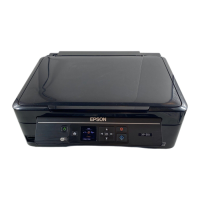
• Press the arrow buttons to highlight a character or a function button displayed on the keypad.
Then press the OK button to select it.
• To change the case of letters or select symbols, select AB12 (uppercase), ab12 (lowercase), or
Symbol and press the OK button. Then highlight a number or symbol and press the OK button to
select it.
• To enter a space, select Space and press the OK button.
• To delete characters, select the back arrow and press the OK button.
• When you finish entering characters, select Done and press the OK button.
6. Press the OK button.
You see this screen:
32




 To Next Page