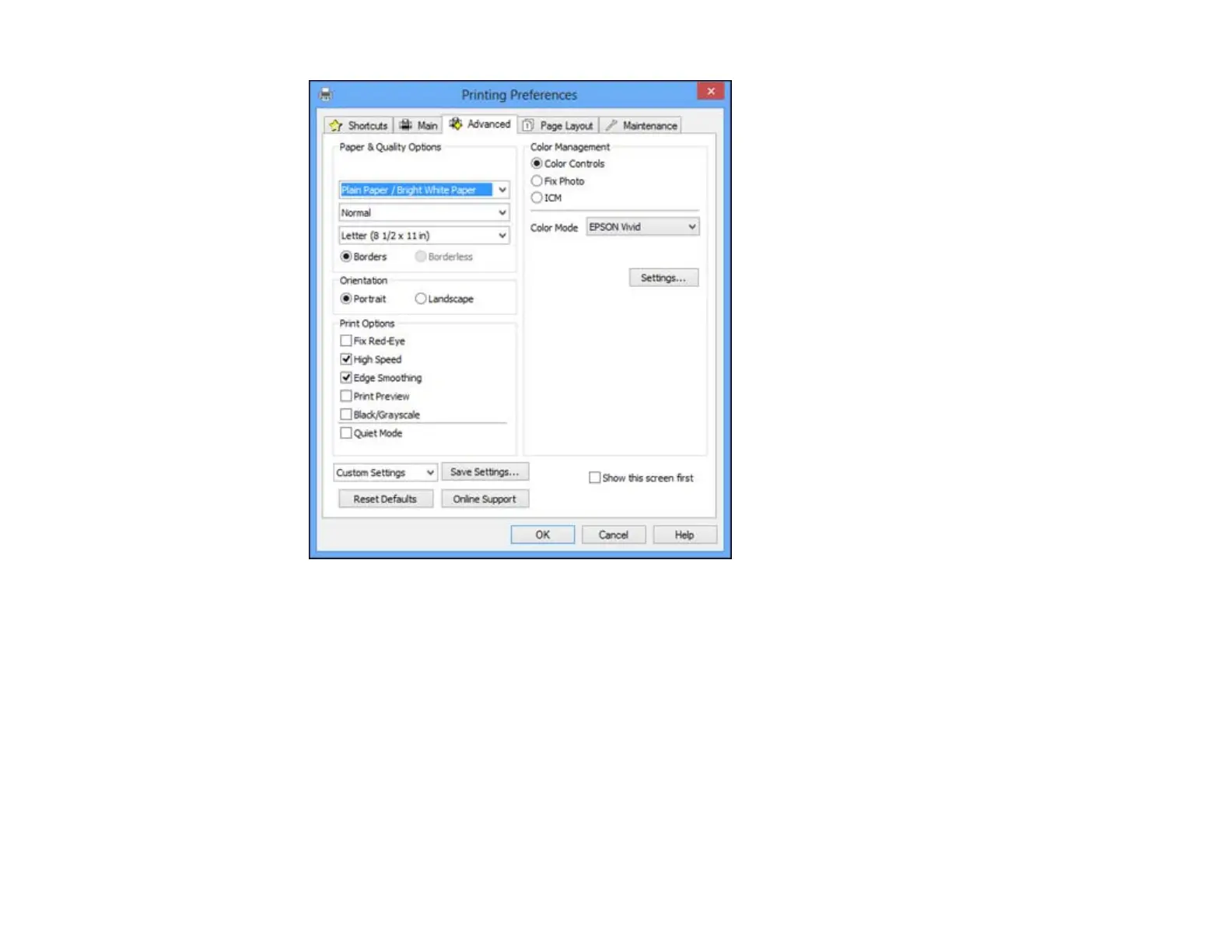
2. Select the Paper & Quality Options settings for your printout:
• Select the type of paper you loaded.
Note: Check the paper type settings list for details.
• Select the print quality setting you want to use.
Note: Check the print quality settings list for details.
• Select the size of the paper you loaded.
64





 To Next Page