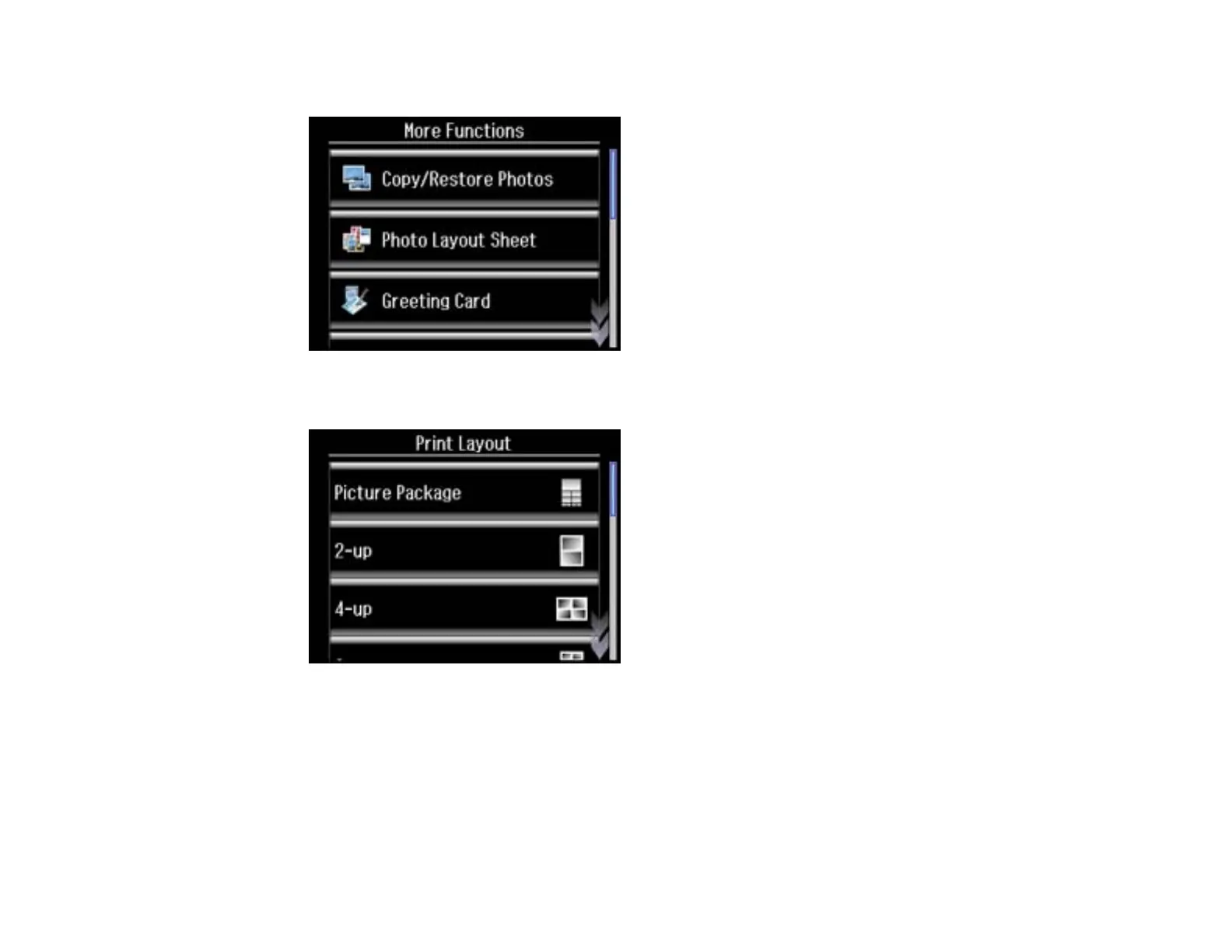
3. Select More Functions.
4. Select Photo Layout Sheet.
5. Scroll down to view all of the layout options, then select the option you want.
6. Select the paper size and paper type that matches the paper you loaded, then select Proceed.
7. If you see a screen asking you to choose between automatic and manual placement of photos, do
one of the following:
• Select Automatic layout if you want to allow your product to place the photos in the layout
automatically.
219

















 To Next Page