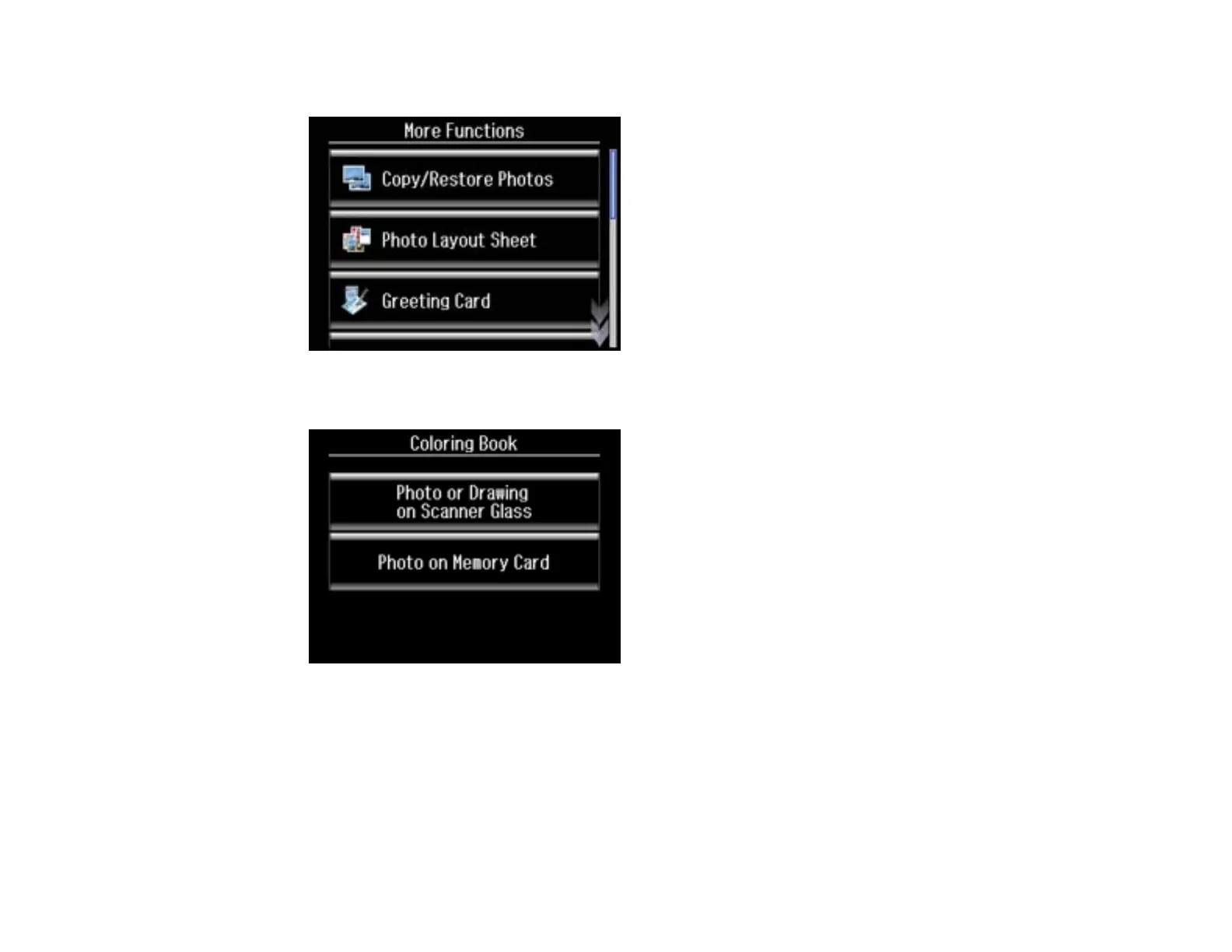
3. Select More Functions.
4. Scroll down and select Coloring Book.
5. Do one of the following:
• Select Photo or Drawing on Scanner Glass to print a design from an original placed facedown
on the scanner glass, in the front right corner.
• Select Photo on Memory Card to print a design from a memory card inserted in your product,
then select a photo.
6. Select Proceed.
235

















 To Next Page