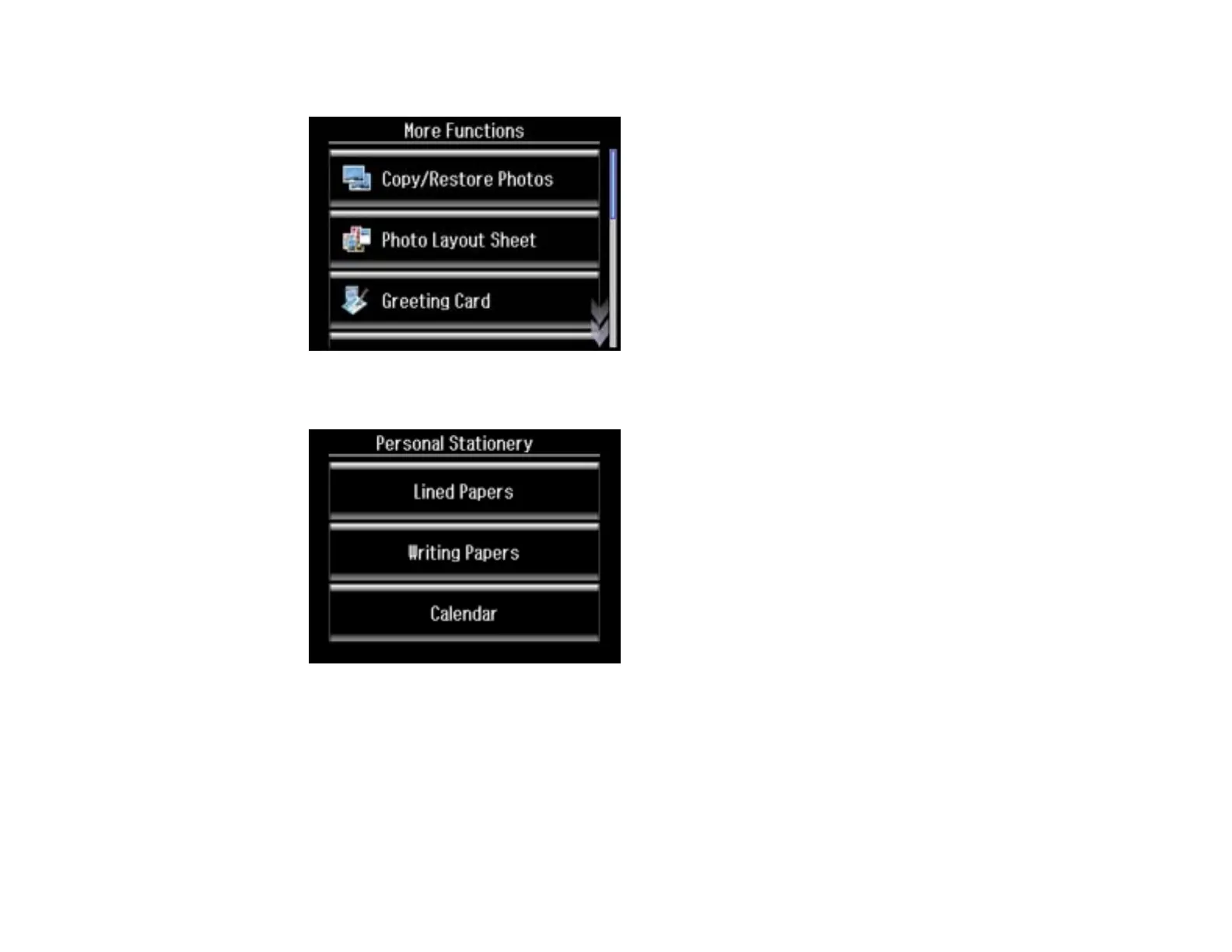
3. Select More Functions.
4. Scroll down and select Personal Stationery.
5. Select Calendar.
6. Select one of the following settings:
• Weekly: prints a Sunday to Saturday week-long calendar with hourly divisions.
• Monthly: prints a monthly calendar for a chosen month and year.
Note: View the thumbnails next to each option to preview the design layout.
242

















 To Next Page