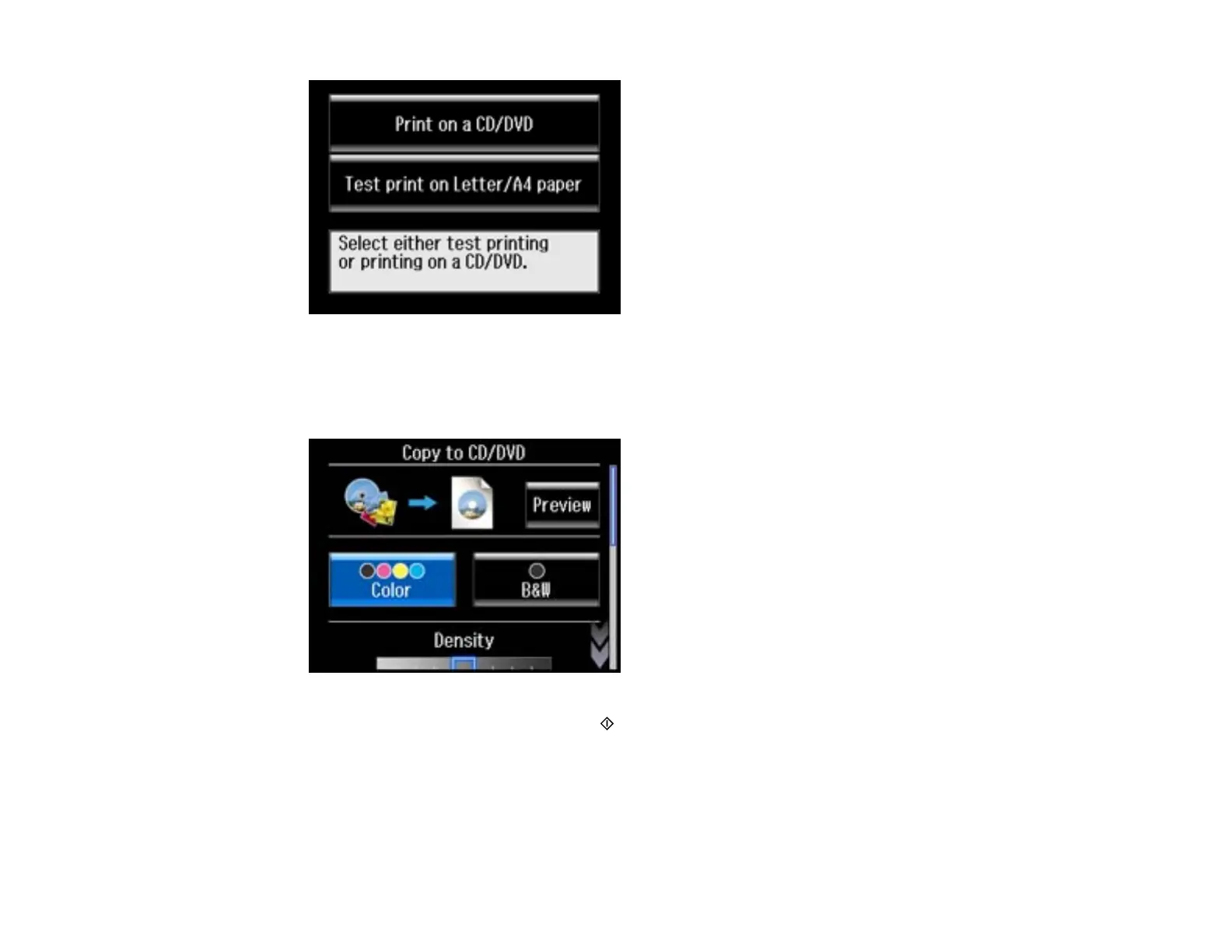
7. Select one of the options shown on the screen to print on a CD/DVD or a test print on plain paper. If
printing on plain paper, select Proceed.
8. Select any copy settings as needed.
9. When you are ready to print, press the start button.
Note: To cancel printing, select Cancel.
Parent topic: Printing on CDs/DVDs
249

















 To Next Page