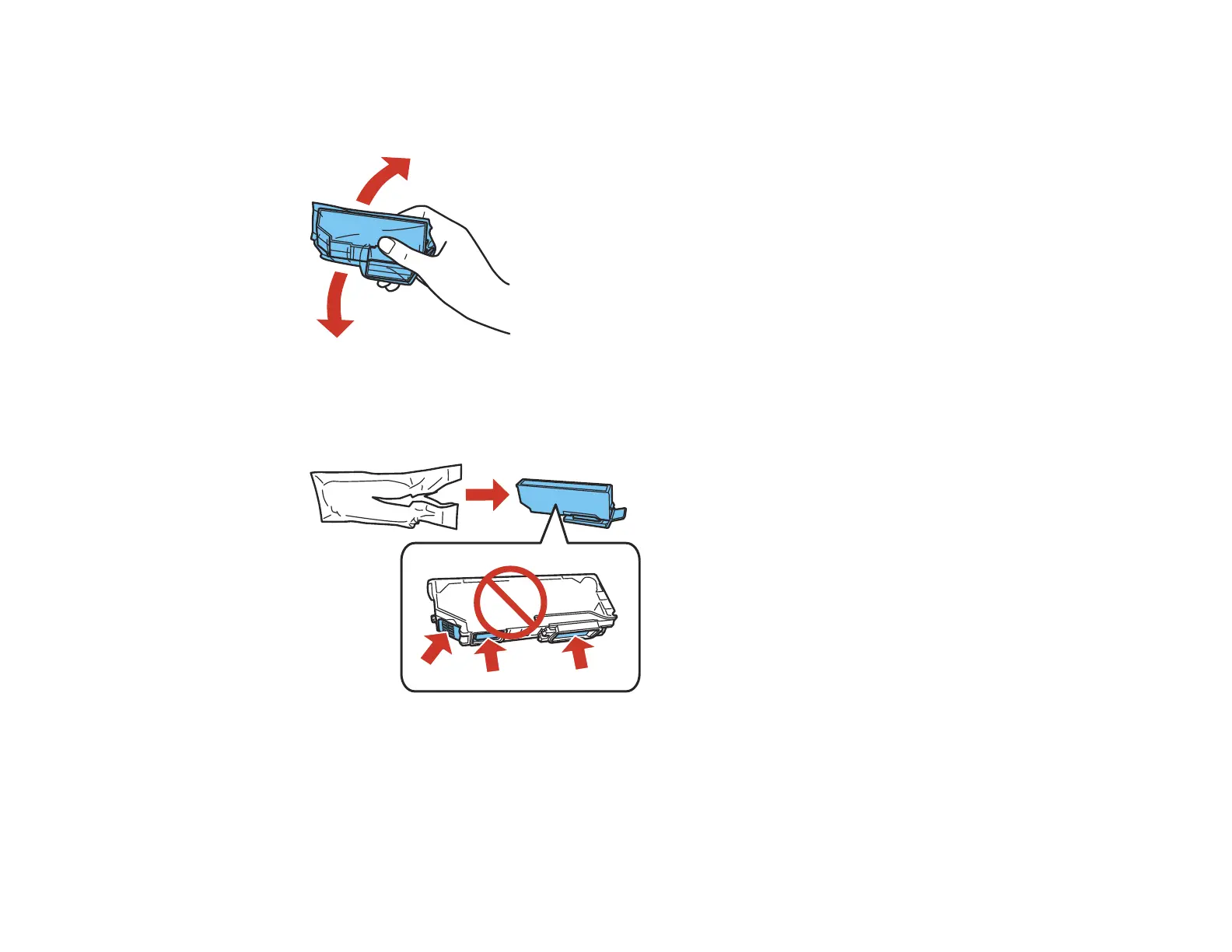
6. If you are replacing the Black (BK) ink cartridge, it is recommended that you shake the new cartridge
gently four or five times before unwrapping it. You do not need to shake the Photo Black (PBK)
cartridge or any of the other color ink cartridges.
Caution: Do not shake the cartridges after opening the packages, or ink may leak.
7. Remove the cartridge from the package.
Caution: Do not touch the areas shown above. Doing so may prevent normal operation and printing.
272

















 To Next Page