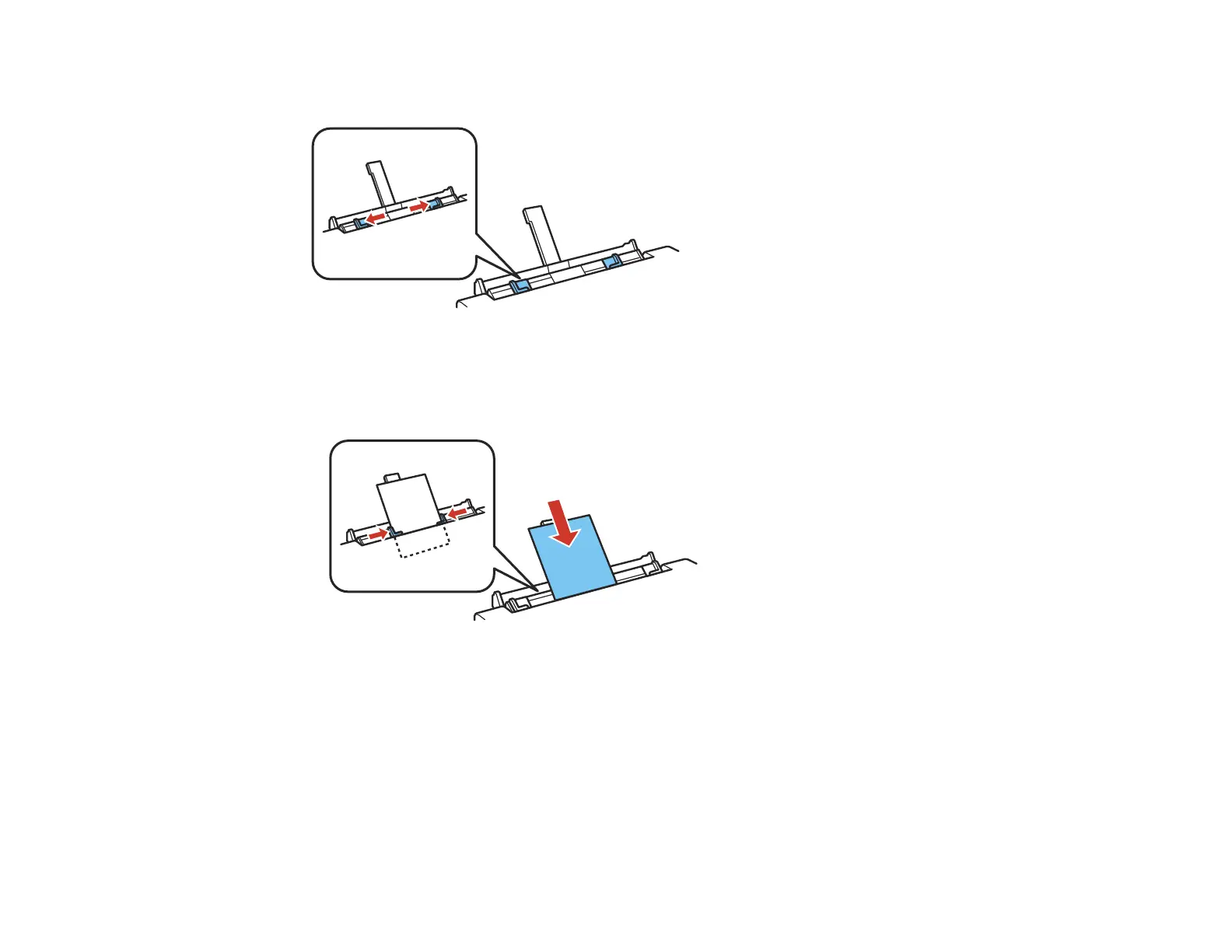
3. Slide the edge guides outward.
4. Do one of the following:
• Load a single sheet of paper or thick media, printable side up and short edge first, in the center of
the rear paper feed slot. Slide the edge guides against the paper, but not too tightly.
• Load an envelope, short edge first with the flap facing down, in the center of the rear paper feed
slot. Slide the edge guides against the envelope, but not too tightly.
56

















 To Next Page