217
1. Burn your files, music, or video onto your disc before printing on it.
2. Press the home button, if necessary.
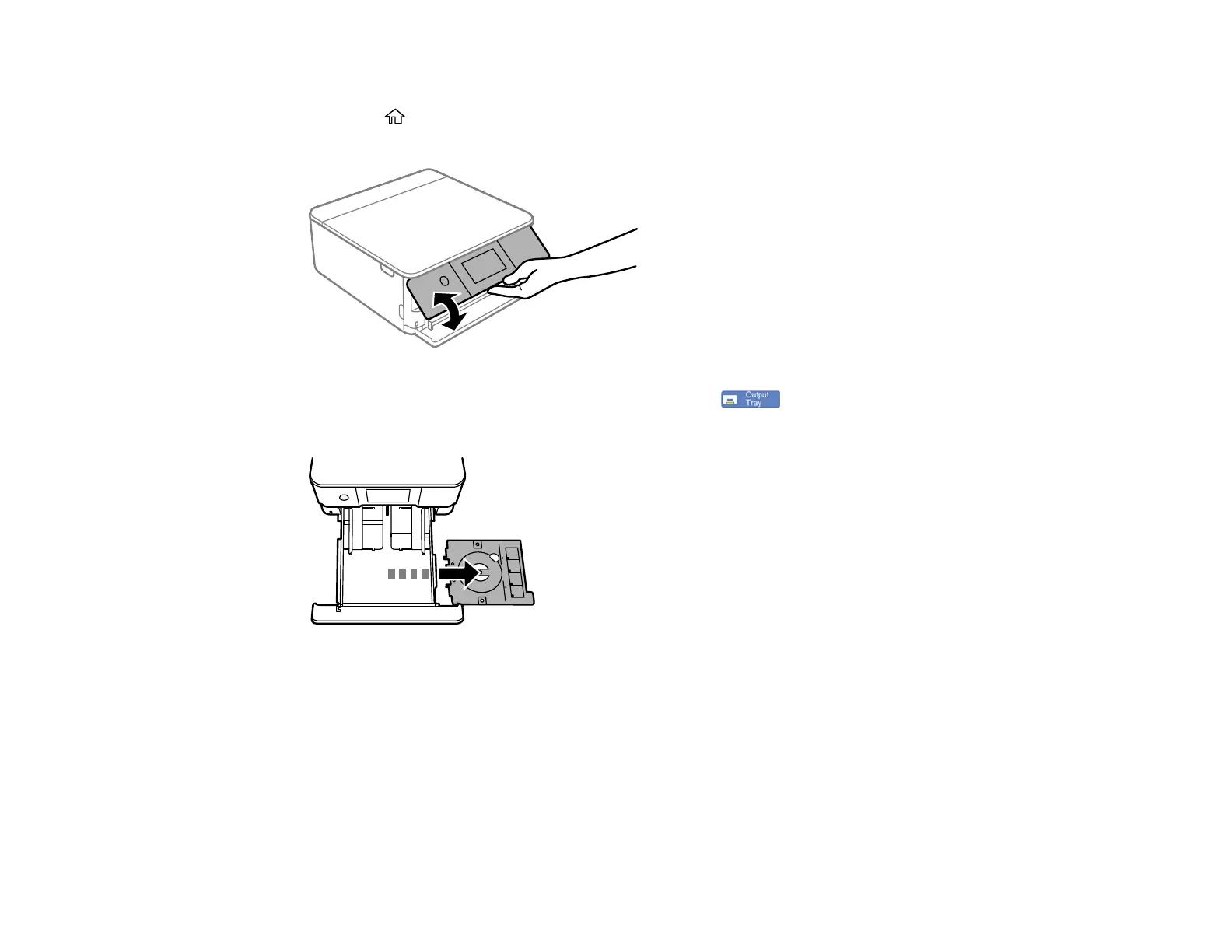
3. Raise the control panel.
4. Make sure nothing is on the output tray, then press the icon to close it.
5. Remove the CD/DVD tray from beneath cassette 2.















 To Next Page