282
Viewing the Help Screen
You can view troubleshooting or how-to topics on the LCD screen at any time.
1. Press the help button.
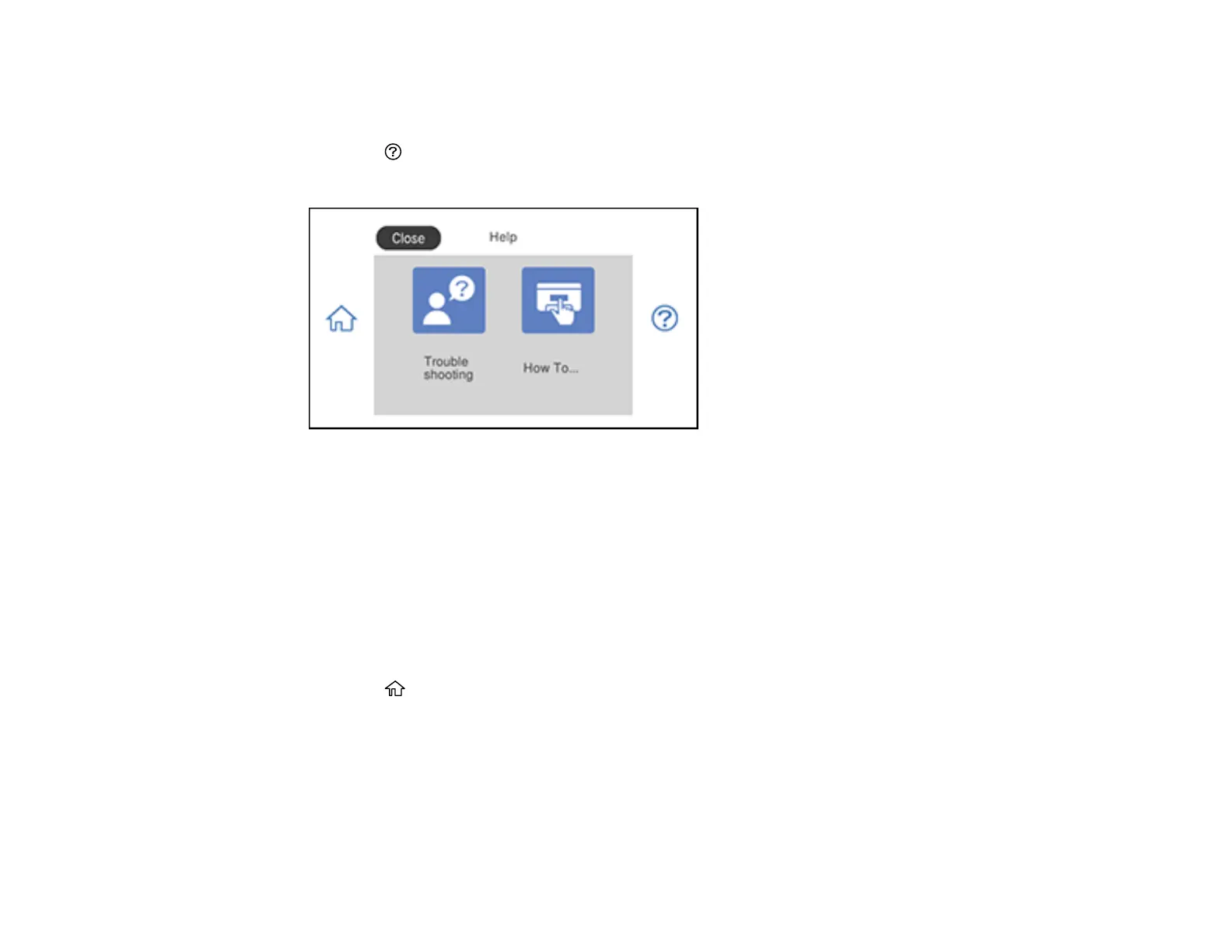
You see this screen:
2. Select an option to view instructional images or animations.
Parent topic: Solving Problems
Running a Product Check
Running a product check helps you determine if your product is operating properly.
1. Disconnect any interface cables connected to your product.
2. Make sure there are no errors on the LCD screen and the CD/DVD tray is not loaded.
3. Load plain paper in Cassette 2.
4. Press the home button, if necessary.
5. Select Maintenance.















 To Next Page