269
2 Print head rail (do not touch)
Caution: Do not touch the flat white cable or the print head rail; otherwise, you may not be able to
print. Do not wipe off the grease on the rail.
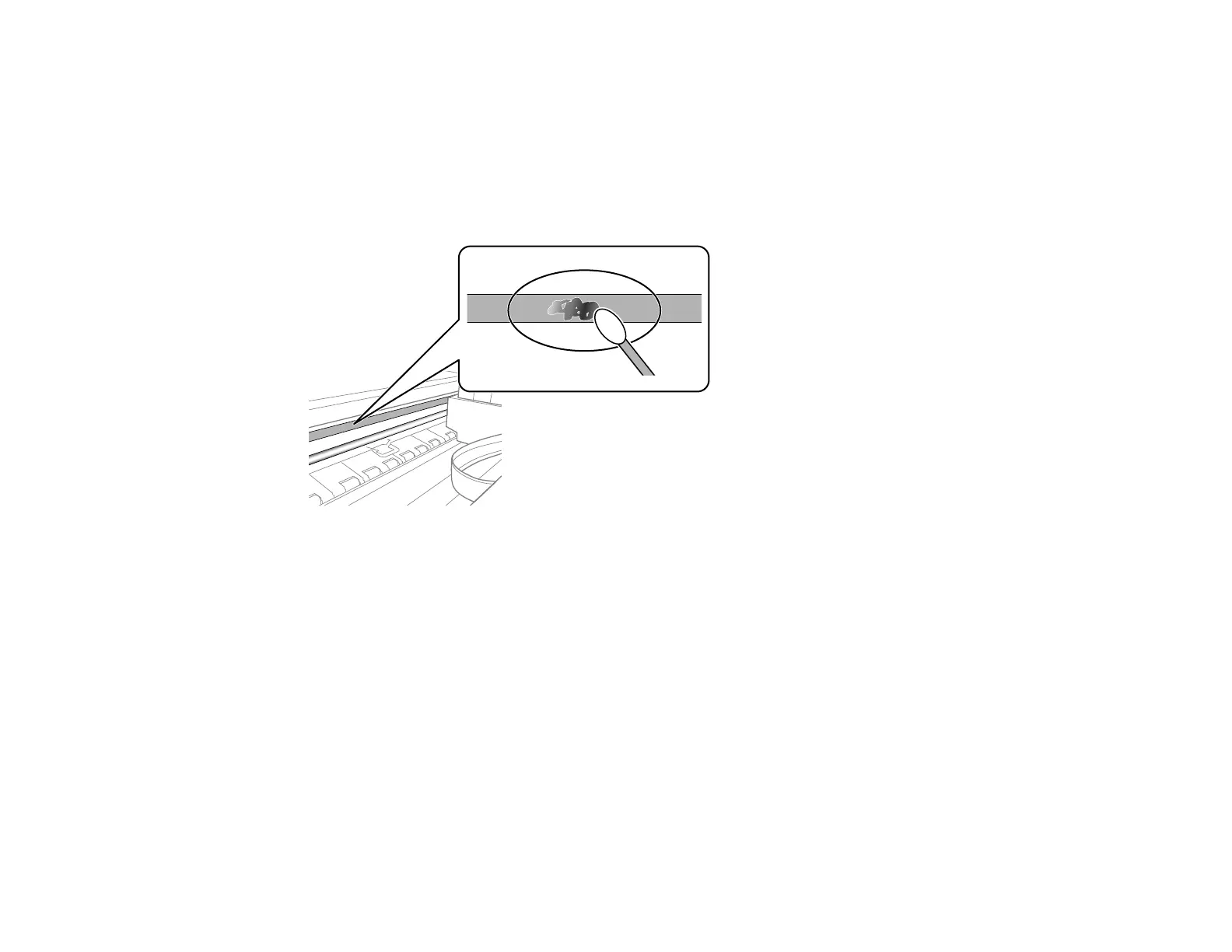
6. Moisten a cotton swab with the water and detergent mixture and squeeze out any excess moisture.
Use it to lightly wipe ink off the translucent film.
Caution: Do not press too hard on the film or you may dislocate the anchor springs and damage the
product.
7. Use a new, dry cotton swab to dry the translucent film.
Caution: Do not leave any cotton fibers on the film.
8. Repeat steps 6 and 7 as necessary to clean all ink smears.
Note: Replace the cotton swab, as necessary, to prevent any smears from spreading.
9. When the translucent film is dry and free of any fibers, close the scanner unit.
Note: The scanner unit is designed to close slowly as a precaution against trapping fingers.
Continue to close the scanner unit even if you feel some resistance.















 To Next Page