4
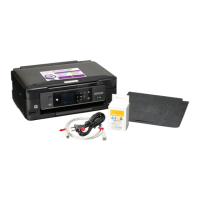
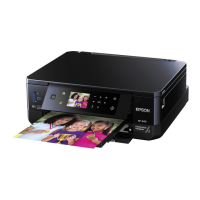
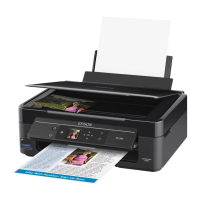
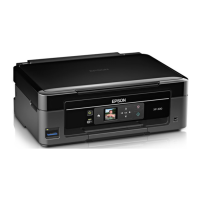
Epson Printer Drivers Installation:
Visit: https://epson.com/Support/Printers/sh/s1
4A: Type printer model in search
bar or navigate to printer model.
4B: Select ‘ Downloads’. 4C: Click on the ‘+’ next to drivers.
4D: Download the ‘Printer Driver’
(not the ‘Remote Printer Driver’ or
the Combo packages). Once the
download is complete click the
downloaded file. (This should
appear in the ‘Downloads’ section
of your browser.)
4E: Ensure ‘Set as default printer’
box is checked, and printer icon is
selected. Select ‘OK’.
4F: Select language. Click ‘OK’.
4G: Read agreement, verify
language is correct, select ‘Agree’,
and click ‘OK’.
4H: Connect USB cable and wait
until install is complete. This may
take a few minutes.
The power symbol on the right will
turn green when completed.
4I: Click ‘OK’.
Next install the Epson scanner driver








 To Next Page