QX50/QX200/QX2000; (SW Version 6.0.x) 41
QX50/QX200/QX2000 Manual I: Installation Guide
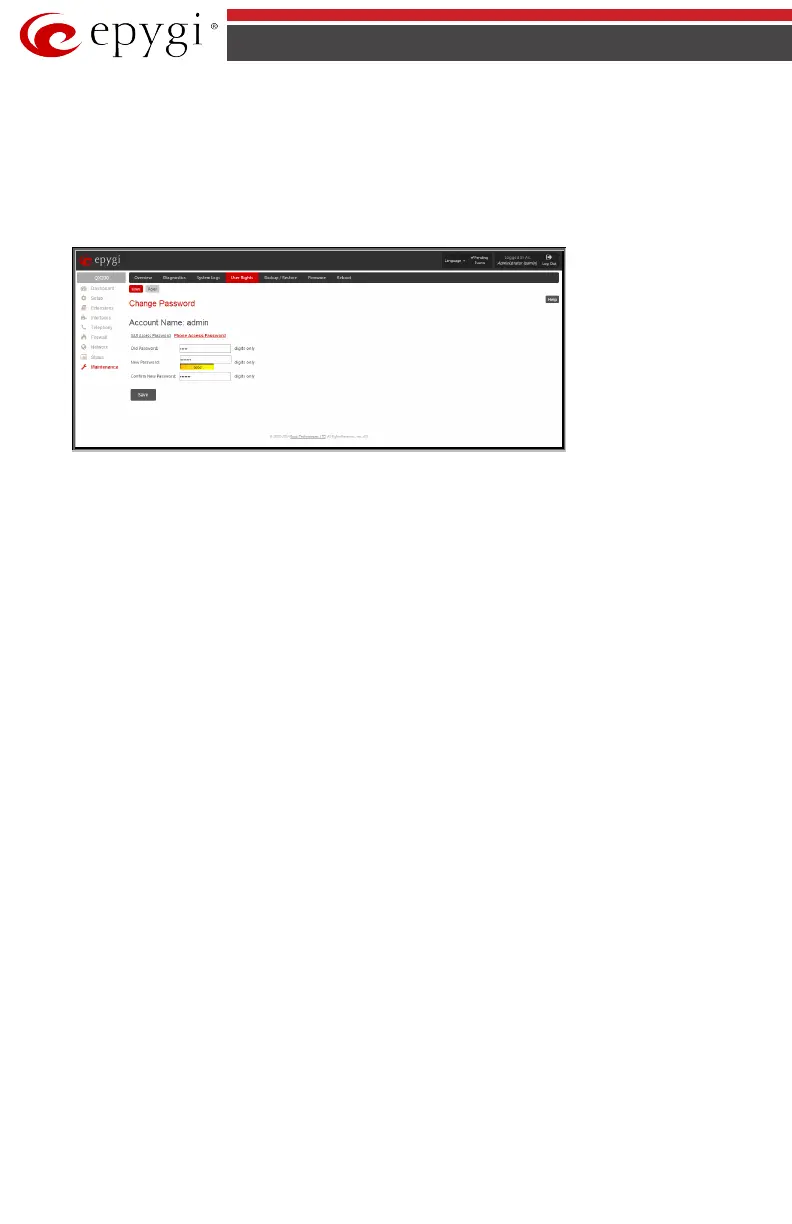
• The New Password field requires a new password for the Administrator. Reenter-
ing the new password in the Confirm New Password field will confirm the new
password. The New Password field is checked against its strength and you may see
how strong is the inserted password right below that field. The password can con-
sist of numeric values only. Up to twenty (0-20) digits are allowed. A corresponding
warning appears if any other symbols are inserted.
Fig.I- 32: Change Password page
Write down the password somewhere and keep it in a secure place. If the password is lost, a
factory reset will be required on the unit (see Manual II - Administrator's Guide). All settings
are lost after a factory reset. After a factory reset the default password (19) will be restored.



 To Next Page
 Loading...

