2-light show
In slave mode, Slave 1 means the unit works normally and Slave 2
means 2-light show. In order to create a great light show, you can set
Slave 2 on the second unit to get contrast movement to each other, even
if you have two units only.
4.2 DMX Controller
By using a universal DMX controller to control the units, you will need to
set a DMX address from 1 to 512 so that the units can receive a DMX
signal.
Press the MENU button until is showing on the display. Press the
ENTER button and the display will blink. Use the DOWN and UP buttons
to change the DMX-512 address. Once the address has been selected,
press the ENTER button to confirm. To go back to the functions without
any changes press the MENU button again. Press and hold the MENU
button one second or wait for one minute to go back to the main menu.
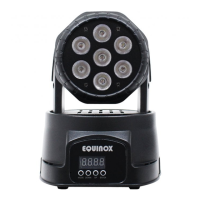
Please refer to the below diagram to address your first 4 units:


 To Next Page