3
CONTROLS
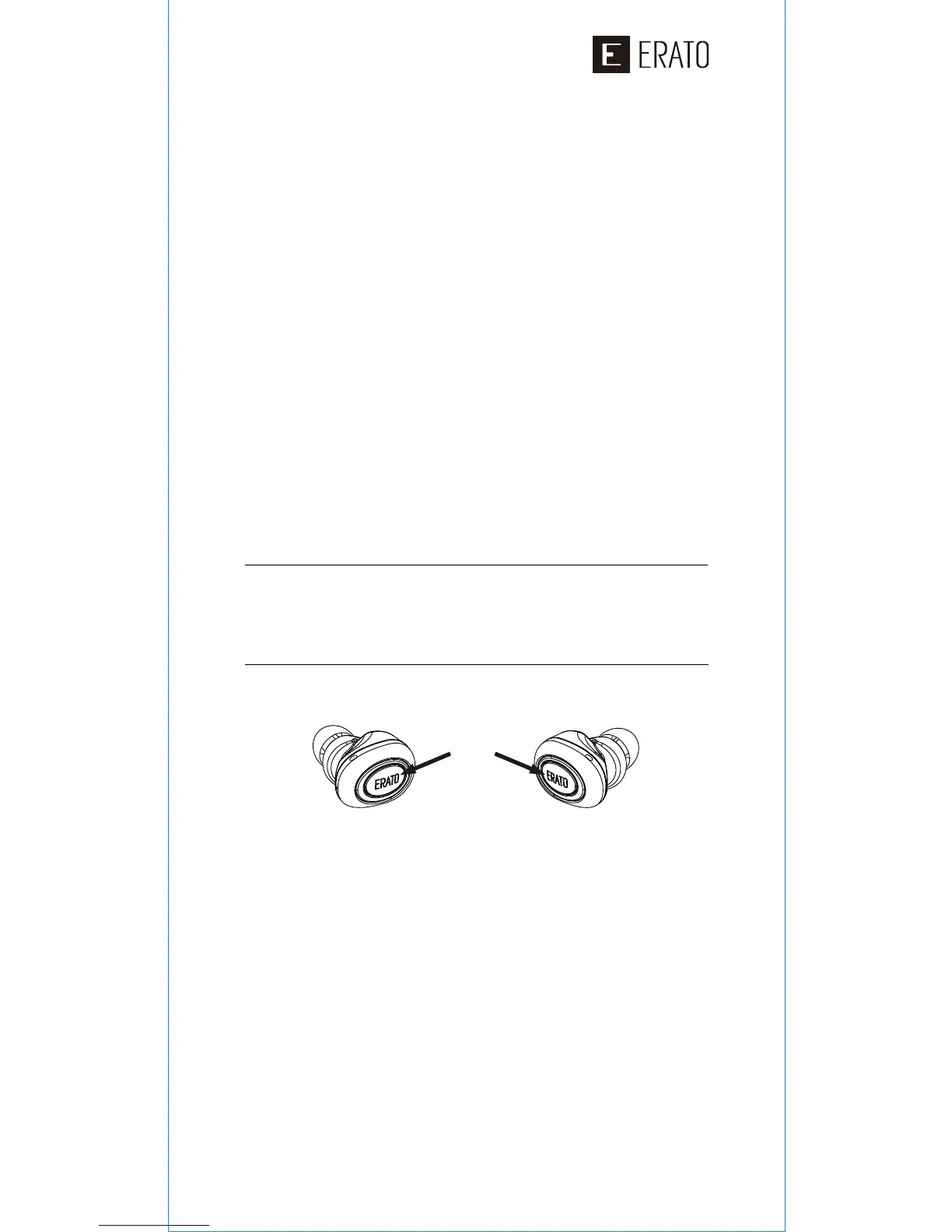
The MUSE 5 can perform a wide range of
functions with just one button on each
earphone, so you can freely control your
device without taking it out of your pocket.
MODES
• Stand-by Mode – When no audio is active
or music is paused.
• Media Mode – When music or video are
active.
Note: Only the left earphone will connect
to your device. The right will connect to the
left. Only the left may be used as a single
headset.
CONNECTING
On your device
• Verify Bluetooth is ON
• Verify Bluetooth is actively scanning for
devices.
LEFT earphone, long press button for 5
seconds. Listen for:
• “Power on”
• “Pairing”
On your device select “MUSE 5”
LEFT earphone listen for:
• “Paired”
• “Your headset is connected”
RIGHT earphone, long press button for 2
seconds. Listen for:
• “Power on” and a beep
• “True wireless stereo connected” –
indicating successful pairing to LEFT
earphone
1.
2.
3.
4.
5.
Press


 To Next Page