73
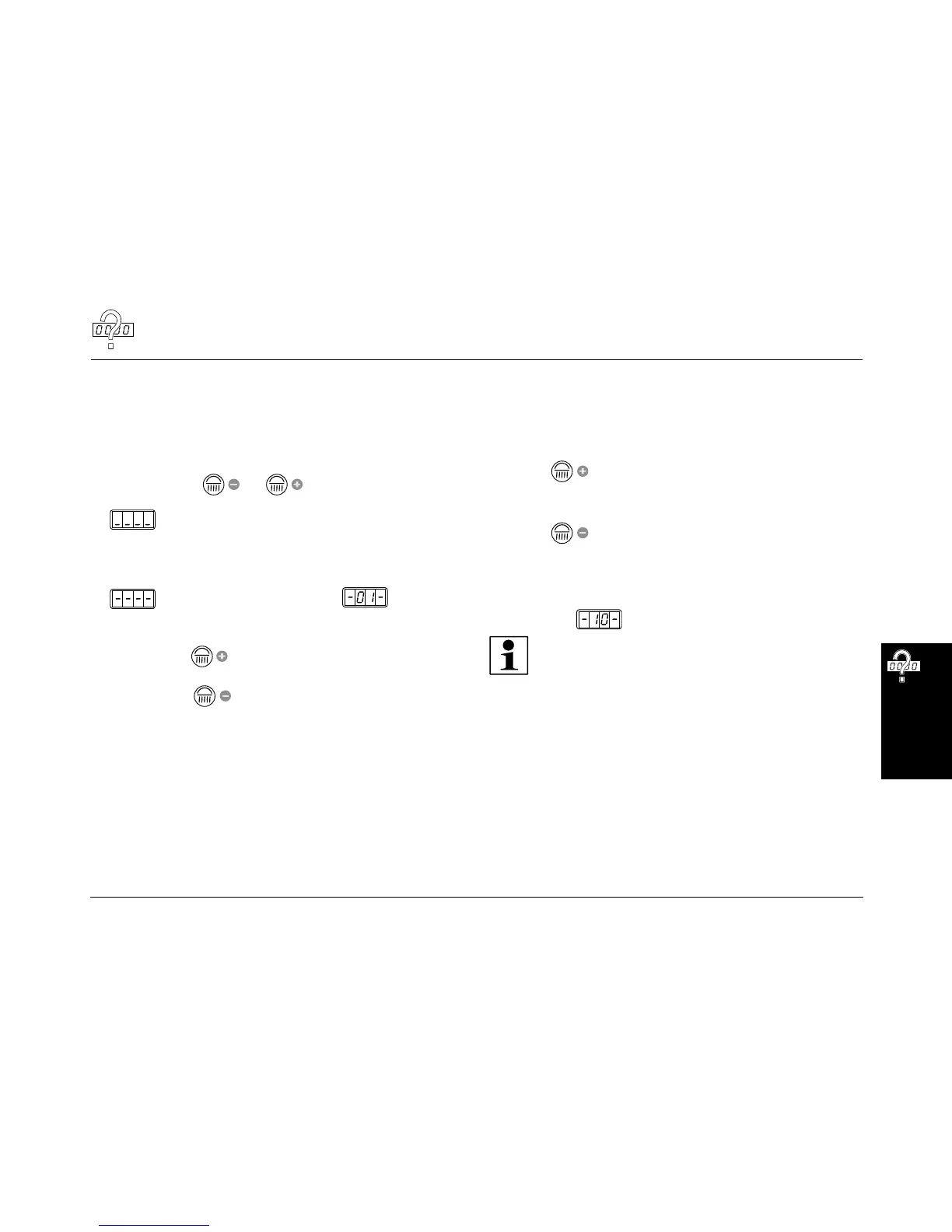
Presettings
Changing presettings with the control panel
The setting mode enables you to call up operating states and make alte-
rations to current settings.
Changing to Presetting mode
– Press the buttons and simultaneously for at least five
seconds outside a tanning process.
appears in the display.
– Enter the code (see Page 74).
– Press the START/STOP button four times when you run the Preset-
ting mode for the first time.
briefly appears in the display, then (Function 1)
and the presetting value are displayed alternately (see column "On
delivery").
– By pressing the button you scroll up to the next function (from
-01- to -19-).
– By pressing the button you scroll down to the next function
(from -19- to -01-).
Changing presettings
Increase the preset value:
– Press and hold the START/STOP button while simultaneously pres-
sing the button.
Decrease the preset value:
– Press and hold the START/STOP button while simultaneously pres-
sing the button.
Reset to the last value set:
– Press the START/STOP button.
Reset to the delivered state:
– See function .
Note:
The sunbed will automatically return to 'idle' mode 30 seconds
after the last button was pressed.
The presettings are listed beginning on Page 76.





 To Next Page