Operation Manual
Version: 12/01
19
er900 PC Operation Manual
Art-Nr: 475.156
Ergometer
Type er900 PC
5.2 The Display Unit
5.2.2 Displayed Parameters and their Meanings
Operation
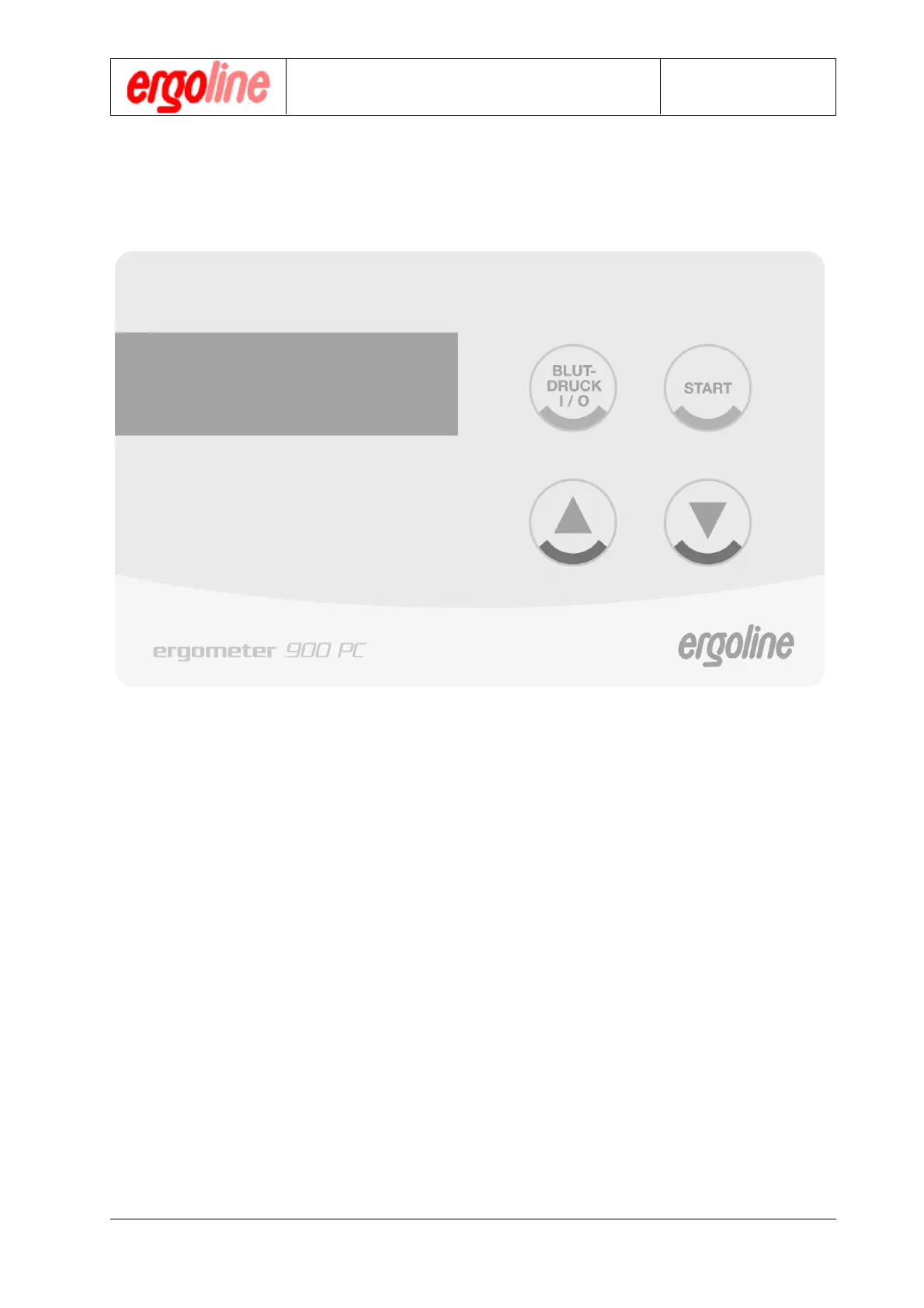
P = 000 W n = 000 /min
HR= 000 /min t = 00 min
S = 000 mmHg D = 000 mmHg
PROG 8 BPM Off PR. Ext
P = 000 W = current load in Watts (P
o
= initial load,
P
max
=maximum load)
n = 000 /min = current revolutions per minute
HR = 000 /min = heart rate at the time of the last blood pressure reading
(current heart rate in case of continuous HR-signal )
t = 00 min = duration of the ergometry in min
S = 000 mmHg = systolic value of the last blood pressure reading (the mea-
surement may be displayed either in mmHg or kPa)
D = 000 mmHg = diastolic value of the last blood pressure reading (the
measurement may be displayed either in mmHg or kPa)
PROG 0 = program selected (No. 0...9)
BPM ON = status of the blood pressure measurement (on or off)
PR. INT = status of the printer driver (Intern, Extern or Off)
Wt. = weight of the test subject
INT = interval of the blood pressure measurements in minutes


 To Next Page