16 17
SERIAL PORT SERIAL PORT
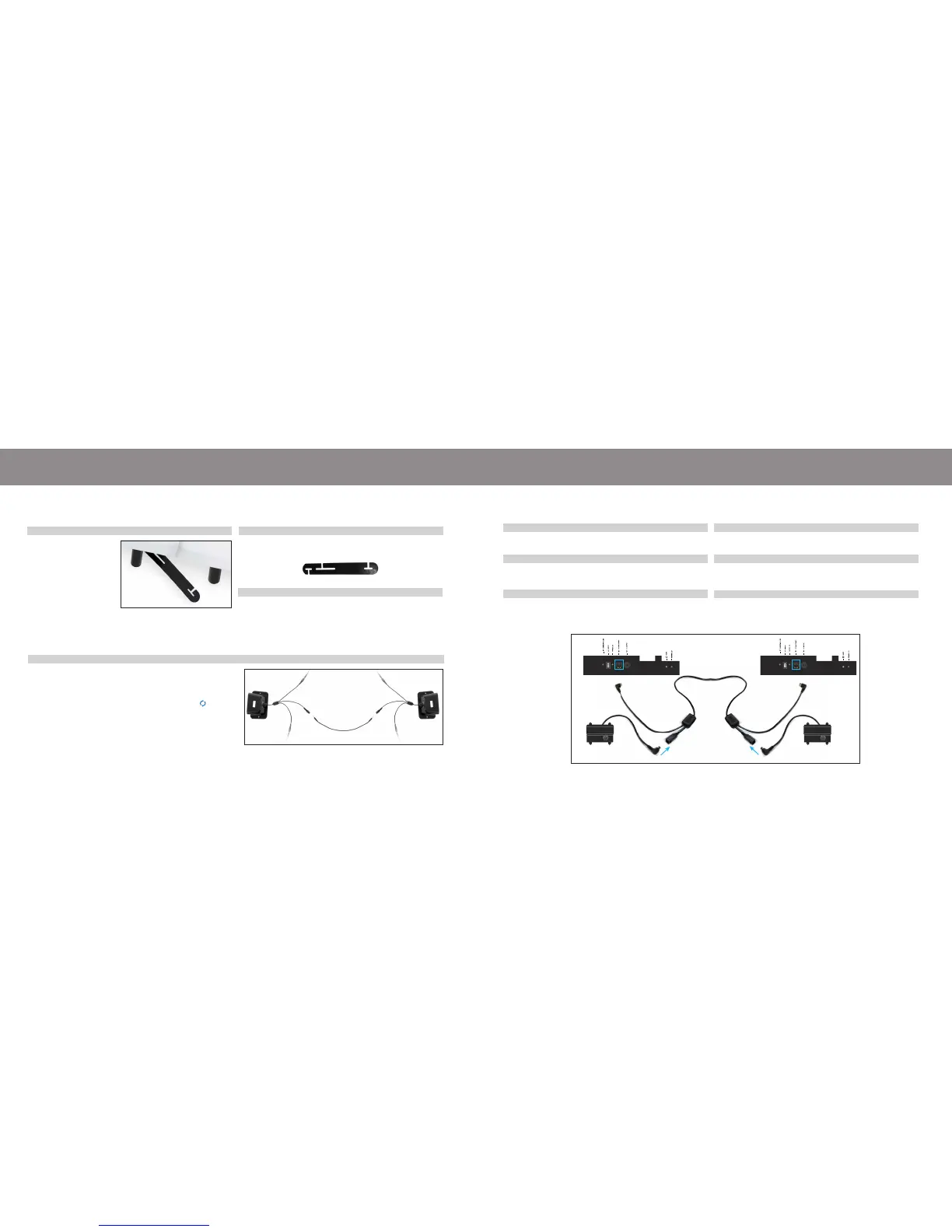
If any split setup is being installed, plastic connecting straps are provided (one per base) to
secure the bases together. Use both straps to secure the head and foot portions together.
With the bases in their
desired location, slightly
loosen both legs to allow
the strap to t on the leg
bolt, between the leg
washer and frame.
Unplug base from power source.
Disconnect the power-down box cable from each control box.
Make note where the cable was plugged in.
Connect the male end of the sync cord to each power-down box.
Insert it into the same port that you disconnected the power-down
box from in Step 2.
Connect each power-down box male connection to the sync cord
female connection (Refer to the illustration below).
Plug base back into the power source.
Check to ensure all cords are securely attached. Both remotes will
now operate both bases simultaneously (If the remotes become
unpaired, see page 15).
Slide side (a) of the connecting strap onto leg bolt. Swing the strap
and connect side (b) to the leg bolt. Secure the strap by shifting to
the left.
Re-tighten legs. Do not over tighten. Use the remaining strap and
repeat on other end of the base.
STEP 2
STEP 1
STEP 1
STEP 2
STEP 3
STEP 4
STEP 5
STEP 6
STEP 3
Power-Down Box Power-Down Box
Sync Cord
Splitter
Splitter
Control Box
Control Box
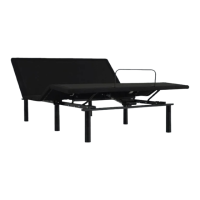
setting up two bases
setting up two bases
If simultaneous operation of two bases is desired, use the SmartSync
™
Cord to connect
the electronics of both bases together.
a b
Use the included 3.5MM audio connecting cord to connect the
speaker systems on each side of the bases.
When device is connected to the audio system, only one speaker
system will play. To sync both speakers press the SYNC button
on the speaker system that is not playing.
TO SYNC A SPLIT AUDIO SETUP
AUDIO CONNECTING CORD
BED A BED B



 To Next Page