EasyManua.ls Logo

Ericsson DIALOG 4222 - Page 2

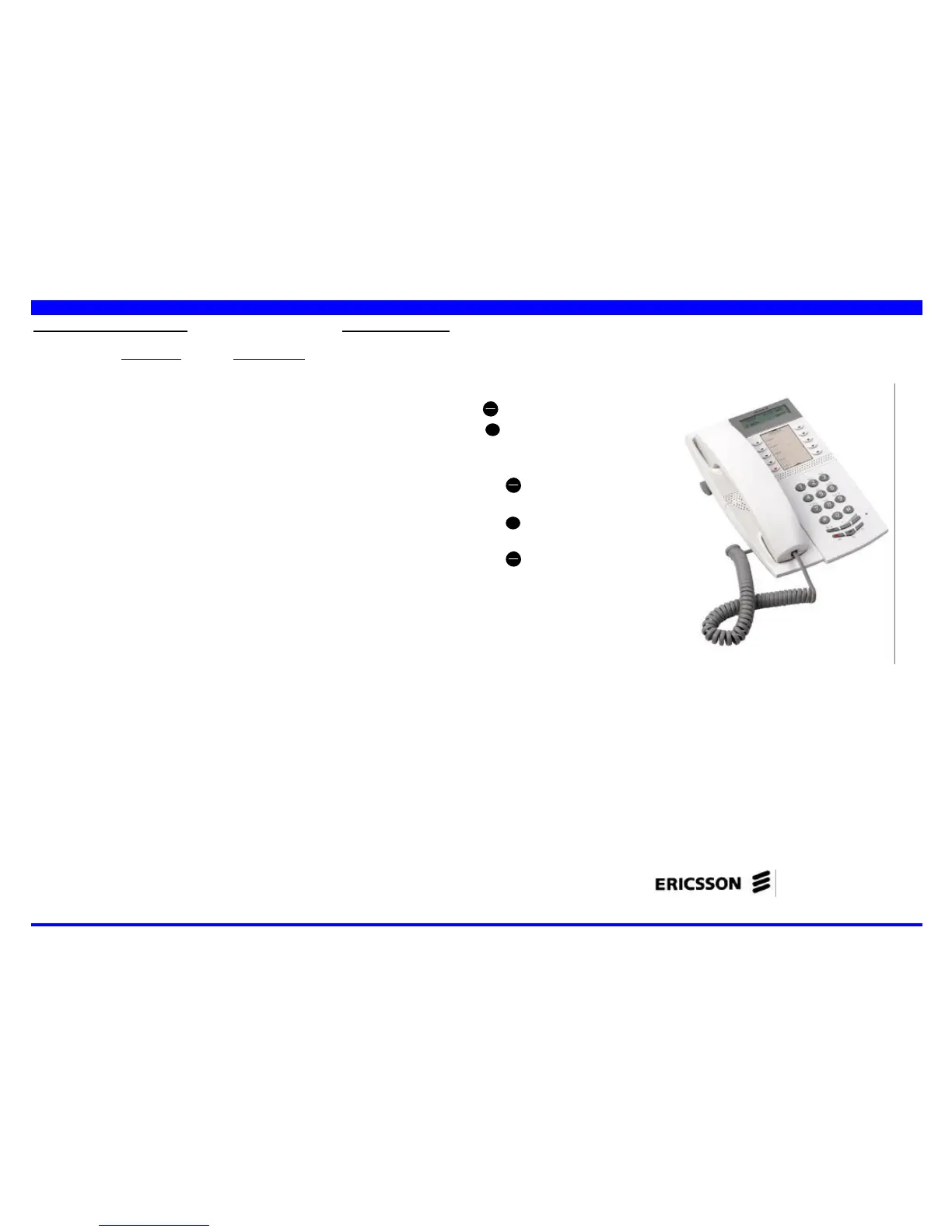
Ericsson DIALOG 4222
2 pages
Print Icon
To Previous Page IconTo Previous Page
Loading...
QUICK REFERENCE GUIDE
Subject to alteration without notice
Programming your terminal
ACTIVATION DEACTIVATION
Reminder
’Œ + HHMM ’Œ +
4 digits - time of the
appointment
Program
dedicated
repertory keys
on line keys
Ô
Menu +
Ô
Menu+
+
Ô
Lx to +
Ô
Lx to
erase Lx to erase
register + Nb to register +
ì
minus
+
Ô
Menu +
Ô
Menu
+
í
+
í
Change
password
’” + old password
+ new password
Lock your phone
’“ ’“+ password
Retrieve from
« all-calls » group
‘“ ‘“
Temporary
operator
‘’ ‘’+ password
or
Ô
>> or
Ô
>>
Choose ringing
melody
Ô
Menu + +
Â
to reach ringing
of your choice + í
Adjust ringing
volume
Ô
Menu + +
ì
to reach
volume of your choice + í
Adjust
loudspeaker
volume
Ô
Menu + Ž +
ì
to reach
volume of your choice + í
Attendant facilities
Attendant console
activation
‘’
Attendant console
deactivation and
programming of extra
night set
‘’ + night set Nb +
í
or +
x
X
to valid or +to change
or +
x
#
if no extra night set
Override of “do not
disturb”
Ž
System call
forwarding
‘Œ +
x
X
external number
(without 0)
Deactivate system
call forwarding
‘Œ +
x
#
Call forwarding for a
third party
‘• +
x
X
+ extension Nb to
forward + forwarding Nb
+ your password
Ericsson Enterprise AB
All rights reserved. For questions regarding
the product, please contact your
Ericsson Enterprise Certified Sales Partner. © Ericsson Enterprise AB 2003
www.ericsson.se/enterprise EN/LZTBS 102 1936
Subject to alteration without notice
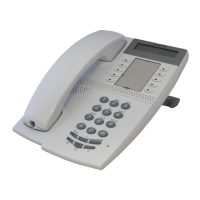
MD Evolution System telephone
DIALOG 4222 Office

Related product manuals