User Manual
9
Default screen display
Information related to the filters
Month and year during which
the main filter was installed
Number of fans installed
in the device.
Operating time of the device
based on the cycle setting of
the Timer™
Filter FANS: XX
MM/Year HH:MN
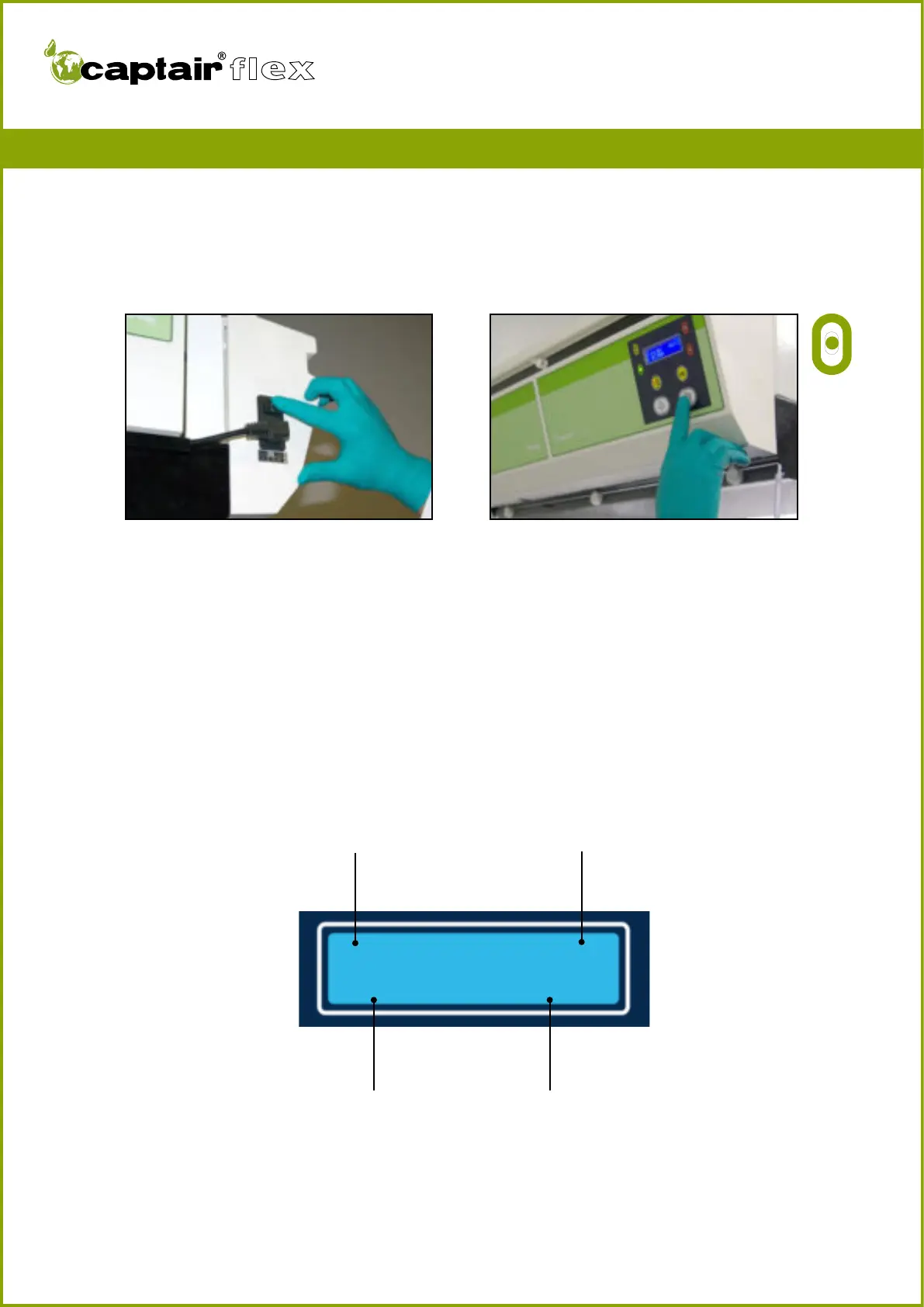
Turn on the device using the switch located on the left side of the control panel.
Activate the device’s ventilation system using the ventilation button located underneath
the digital display screen.
The green indicator light comes on and the screen displays the DEFAULT SCREEN DIS-
PLAY.
The Timer™ begins to count down based on its factory settings (60 hours).
You have carefully followed the steps described in the assembly instructions and your
Captair® Flex™ fume hood is ready to use.
FIRST START-UP


 To Next Page