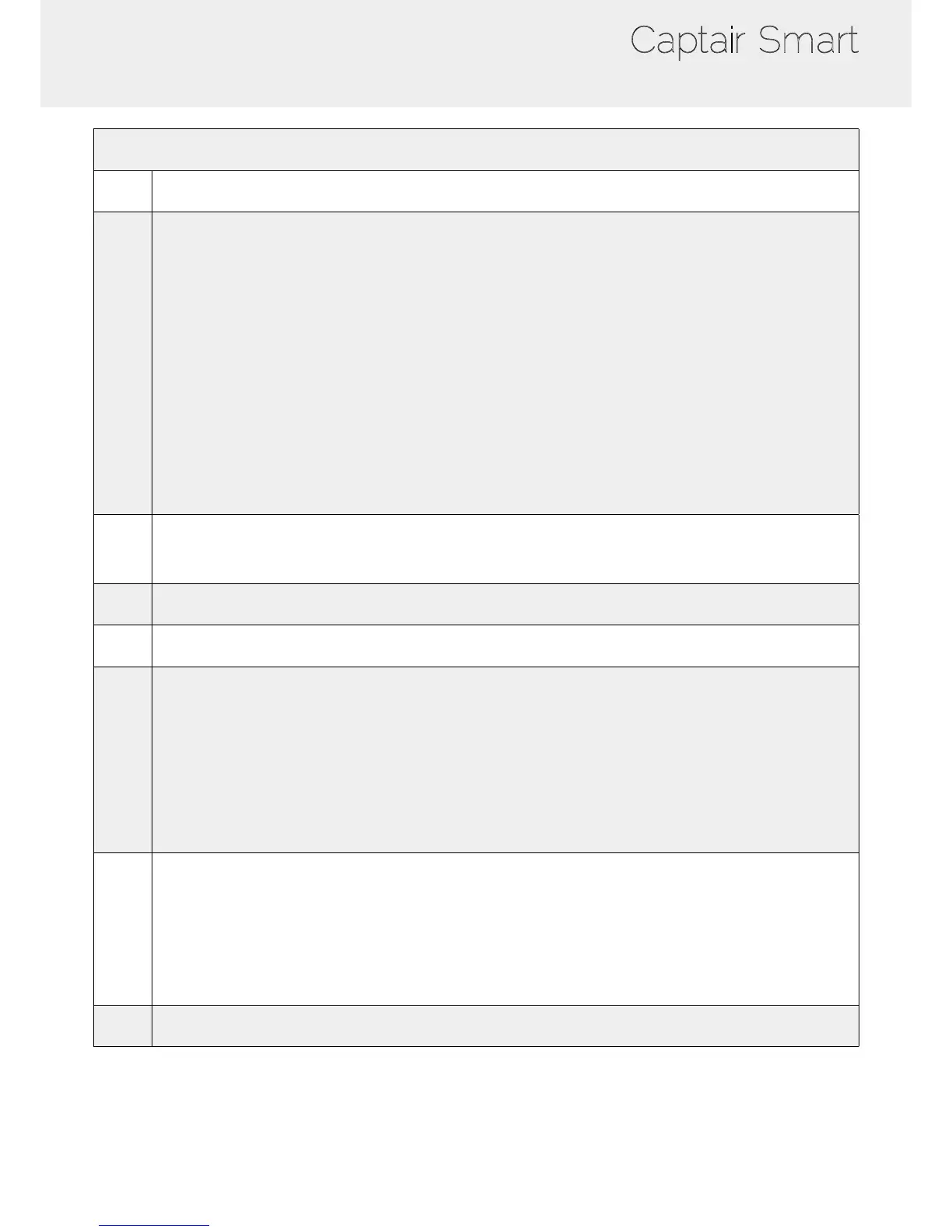
Settings page details
1 Device time and date settings
2
Device network settings
Mode: Selected IP protocol
Hostname: Device name on network
IP: IP address of the device
MASK: network mask
GW: Network gateway
Modify network settings :
Default mode : DHCP
Each unit is identied with its hostname : ER-UNIT-S/N
Hostname example for a Captair 321 Smart, S/N: 25698
Hosname will be: ER-321-25698
This hostname is displayed on the IP Adress label located on the back of the control panel
If the unit is not connected to a DHCP servor, the unit will automatically switch to its defaut IP address:
192.168.0.200
3
Activate/Deactivate the exchange of information
This allows the transmission of information from the device to the eGuard server for:
- remote monitoring via eGuard App (mobile &PC)
- receiving usage reports
4 Device fan setpoint settings
5
Anemometer settings :
Please check the anemometer settings procedure
6
Alarm saturation lter (Molecode option)
Sensor type indication (VOCs: volatile organic compounds/ A: Acids / F: Formaldehyde)
Sensor sensitivity settings:
VOCs sensor (5 settings) : High sensitivity, Medium/High Sensitivity, Medium Sensitivity, Medium/Low Sensitivity,
Low Sensitivity
A and F sensors (3 settings) : High sensitivity, Medium Sensitivity, Low Sensitivity
Sensor replacement
Enter replacement sensor date, display the next sensor replacement date
7
Filter replacement date:
Indicates the lter type (AS: organics vapors / BE+:Acids, inorganics, organics, and solvents vapors /
K : Ammonia vapors / F : Formaldehyde vapors / HP: powders)
For units equipped with carbon and HEPA lters, please use the carbon lter indication
Last replacement:
Counter showing the number of days the lter(s) can be used relative to its/their service life expiry date
8 Conrm settings key (please validate each setting )



 To Next Page