Page 21/40Version 02.01 • Date 19JAN2017
7. Error Checklist
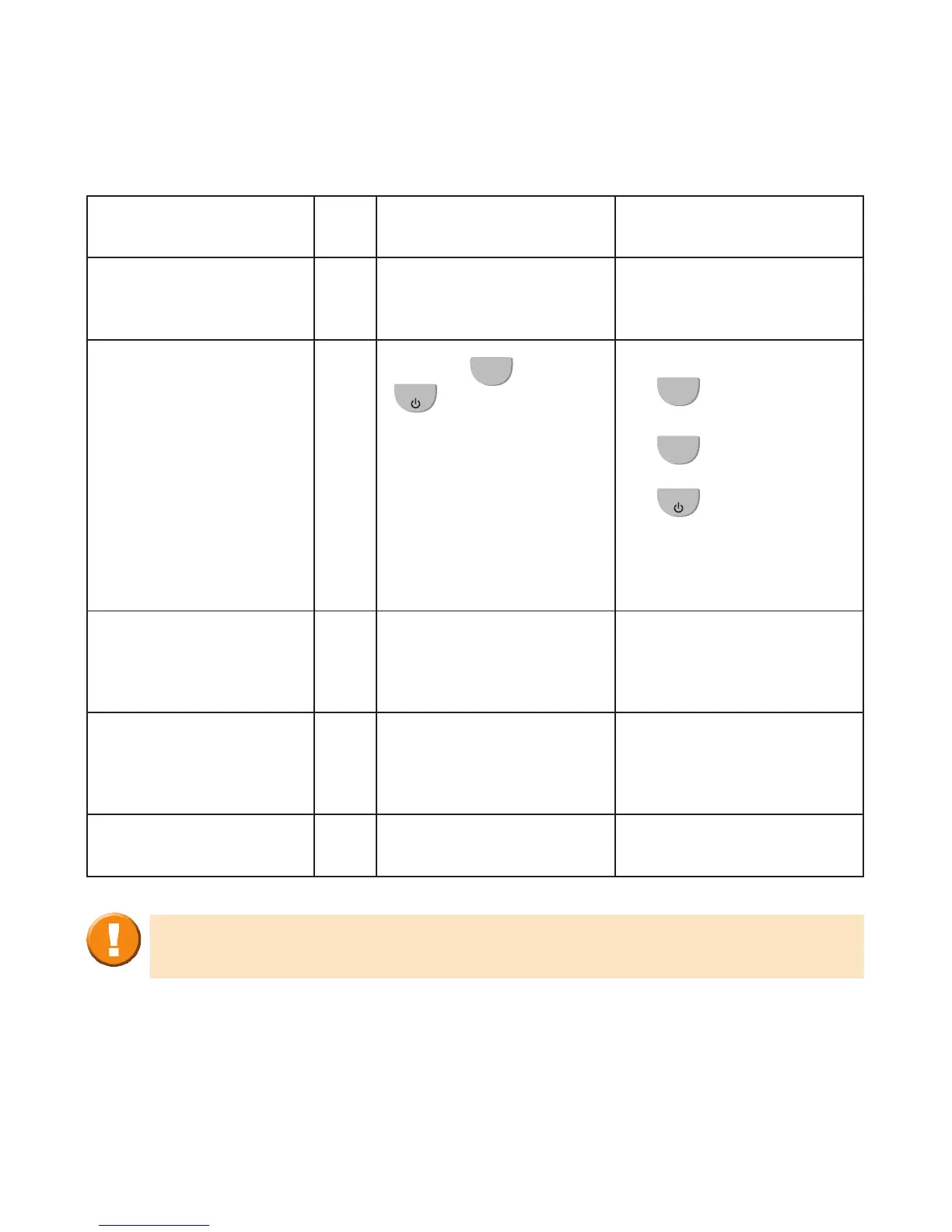
Error Description Reason Action
No response during
power ON
A.
AM3 battery is empty Charge the AM3
B.
Buttons
OK
and
ESC
are not pressed
correctly
• Press and hold the
OK
button.
• While holding the
OK
button,
press and hold the
ESC
button.
• Hold both buttons
for approximately
2 seconds.
Result of
measurements is
questionable
A.
Flow Sensor is not
inserted correctly
Insert Flow Sensor
correctly
B.
Flow Sensor is dirty Clean Flow Sensor
according to cleaning
instructions
C.
Flow Sensor is faulty Replace Flow Sensor
If the proposed actions do not lead to perfect recovery of the AM3´s
normal functionality, please contact your study doctor.



 To Next Page